Recognizing information overload is an important first step. Diagnosing it is useful too. But neither step reduces clutter, repeated checking or fragmented visibility on its own.
If your fire department or law enforcement agency is struggling with too many systems, too many updates and too little clarity about what matters most, the next step is to take action. The goal is not simply fewer messages. It is a clearer operational picture.
In many public safety organizations, critical information is scattered across too many systems, channels and logins to support clear, confident action. This information overload response plan is organized around three time horizons: what you can do tomorrow, what you can do next month and what to plan for in the next budget cycle.
What you can do tomorrow
1. Conduct an information audit
Start by mapping how your department currently informs personnel. Include email, texts, software notifications, printed notices, station bulletin boards, social media groups and verbal relays at shift change. The point of the audit is to make the current communication environment visible.
Many departments have never stepped back to document how information actually moves through the organization. Over time, habits build up. A message goes out by email because that is how it has always been done. Then it gets repeated by text because someone is worried it was missed.
A basic information audit should help answer a few practical questions:
- What types of messages are we sending most often?
- Which channels are we relying on most heavily?
- Where are we duplicating effort?
- Where are personnel checking multiple places for the same information?
- Which messages are truly operationally important, and which are routine?
You cannot simplify information flow until you can see how information is created and distributed today.
2. Classify messages by importance and urgency
Once you have a clearer inventory of your department’s communication patterns, classify your messages. The Eisenhower Matrix — important versus not important on one axis, urgent versus not urgent on the other — is a simple framework to think more deliberately about what kind of message you are sending and what channel fits it best.
An urgent and important message is usually operational: a dispatch or time-sensitive update requiring immediate action. Email is usually not the right tool for that in a shift-based environment.
An important but not urgent message might be a training opportunity 90 days away or a policy update — well suited to a memo, station display or posted reminder.
Chiefs and command staff should be asking: How important is this? How urgent is it? Who actually needs it? What is the best medium?
What you can do next month
1. Survey your personnel
Ask your firefighters, police officers, EMTs and paramedics what is working and what is not. A short survey can reveal: which communication methods they trust most, what gets overlooked, which systems feel useful and which feel like one more inbox to check.
2. Rebalance your message mix
If nearly every official message is an assignment, reminder, correction or critique, personnel may start to associate department communication with one more burden. Look for opportunities to intentionally communicate birthdays, work anniversaries, certifications earned, promotions and department wins. Recognition and positive reinforcement help keep channels relevant and human.
3. Audit your systems and notification pathways
Many departments now rely on multiple software platforms for scheduling, training, policy management, fleet tracking and other functions. A systems audit should identify:
- What does each platform send?
- Where does it send it?
- Are users receiving duplicate alerts?
- Is the system delivering the right level of urgency?
4. Identify opportunities to centralize visibility
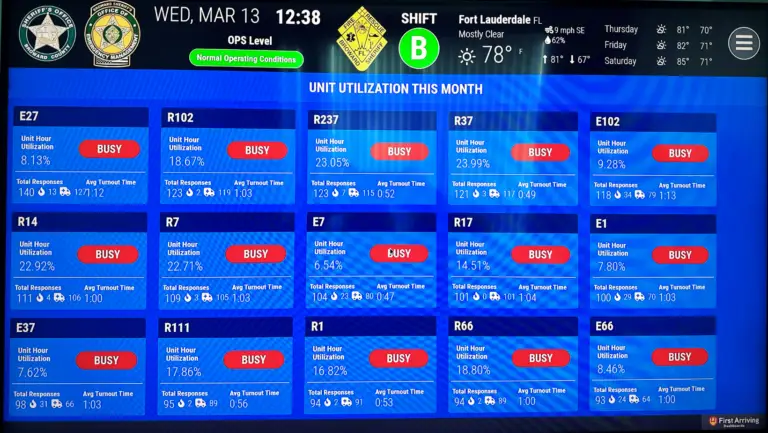
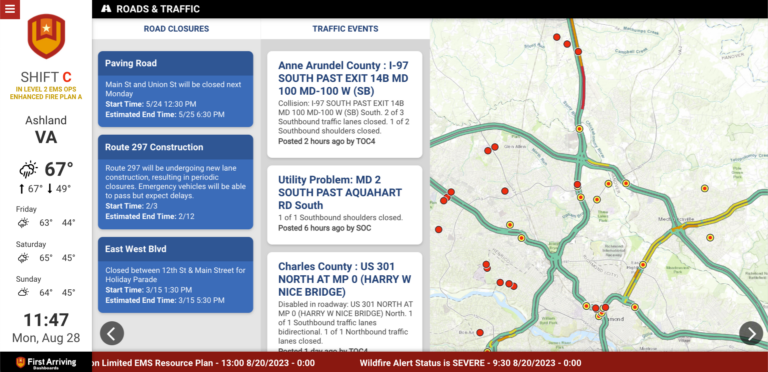
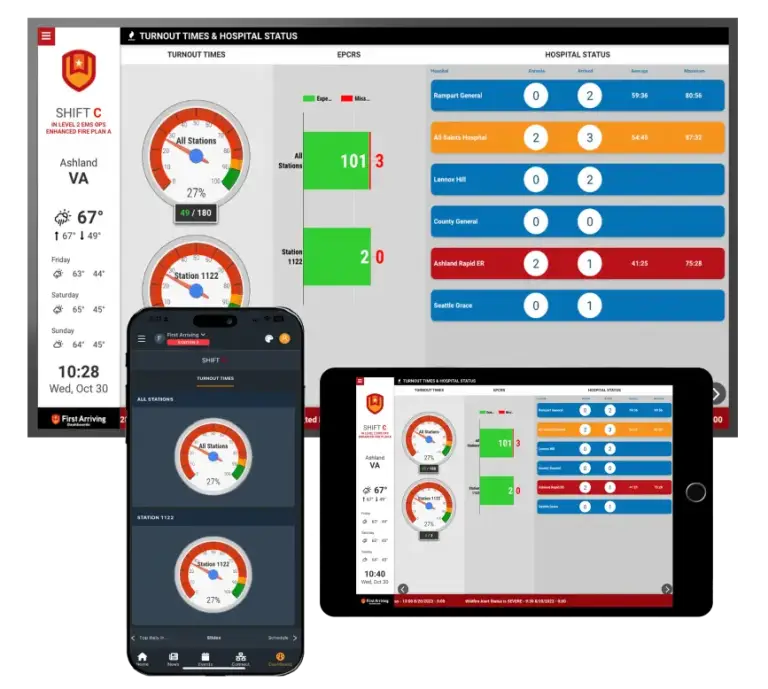
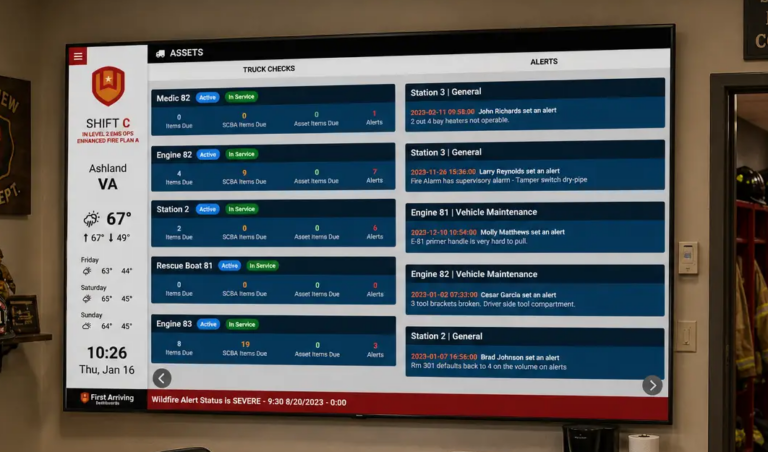
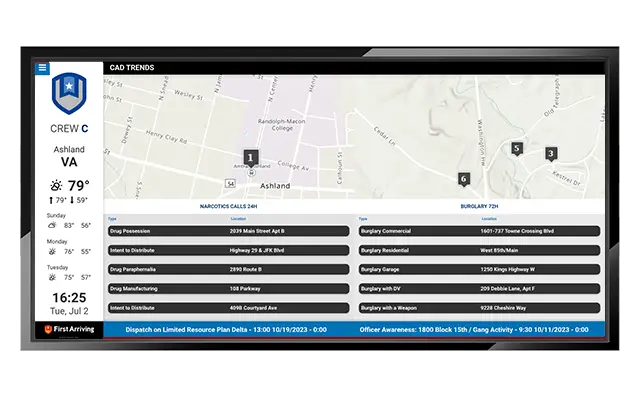
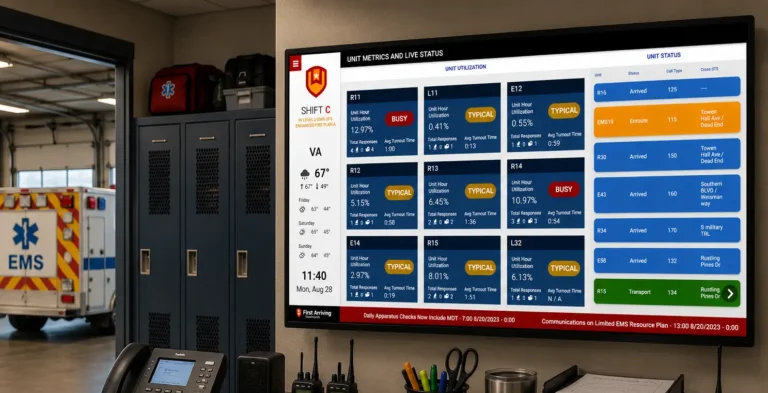
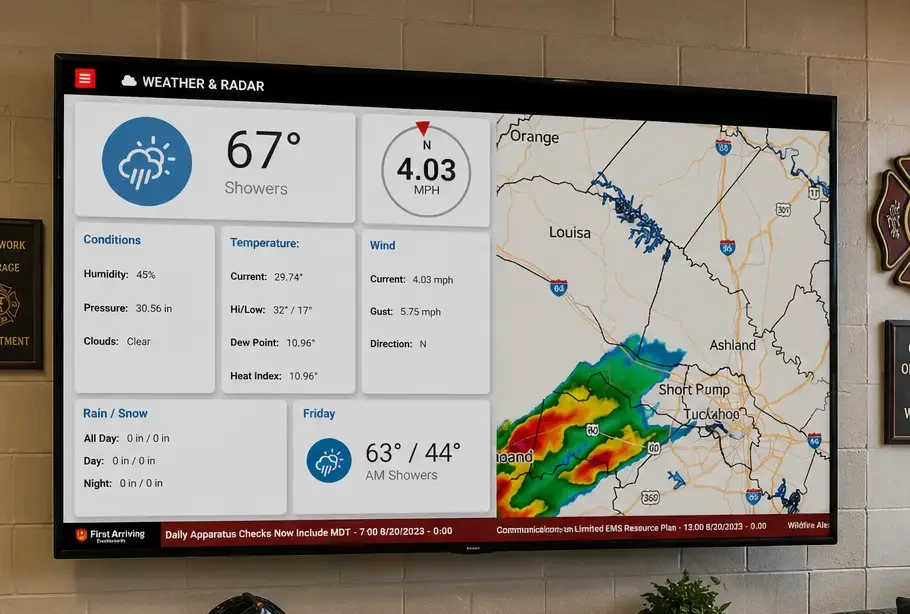
As part of that systems audit, look at whether your current platforms offer ways to support a more unified operational view. Do any systems have an API, RSS feed or another method for moving information into a centralized dashboard? Could key updates from staffing, training, incidents and fleet status be surfaced in one place instead of requiring personnel to log into multiple systems throughout the day?
What to plan for in the next budget cycle
1. Build a formal information distribution plan
Use your audit and survey findings to create a more deliberate communication plan. Define the major types of information your department sends, the most appropriate channel for each type and the expected frequency or cadence. Assign clear ownership for each category.
2. Evaluate a centralized information platform
If your department is serious about reducing information overload, one of the most important long-term questions is whether critical operational information can be surfaced in a clearer, more centralized way. Book demos. Ask questions. Talk to existing customers. Learn what implementation requires.
3. Budget for simple chief video updates
Some departments are finding value in short video updates from the chief. A brief weekly memo or a quick update tied to a current priority can communicate tone and emphasis better than a long written message. This does not require a studio, but may require modest investment in a camera, lighting, microphone and basic editing software.
4. Invest in communication and information-management training
Public safety personnel receive extensive training on emergency response and operational performance. Much less attention is given to how information is delivered, processed and prioritized inside the organization. Chiefs, command staff, company officers and shift commanders may benefit from instruction on communicating time-critical information, choosing the right channel and reducing unnecessary duplication.
Checklist: Information overload response plan
Tomorrow
- Audit every channel your department uses to inform personnel
- List what is being sent, by whom, when and through which system
- Identify duplicate messages and repeated manual checking
- Classify common message types by importance and urgency
- Match each message type to a more appropriate communication channel
Next month
- Survey personnel on communication preferences and friction points
- Identify which notifications are useful and which are being ignored
- Increase morale and recognition messaging, not just task messaging
- Audit notification settings and defaults across department software
- Identify API, RSS or integration options that could support a more centralized view
Next budget cycle
- Build a formal information distribution plan
- Evaluate a centralized dashboard or information platform
- Budget for a simple chief video update capability
- Explore communication and information-management training
For departments looking at longer-term ways to create a more unified operational picture, let’s chat.