Keeping station digital signage updated is hard because the responsibility typically falls on already-stretched personnel — company officers, administrative staff or chiefs — who must manually create, upload and manage content on top of their operational workloads. Without automation, real-time data integration or clear content ownership, station displays quickly fall behind and personnel stop trusting them.
Why does station digital signage go stale so quickly?
The core problem is that most digital signage platforms are built around manual content management. Someone has to create a slide, upload it to a content management system, schedule it, and remember to remove it when it expires. In a fire station, that person is usually already managing apparatus checks, training records, scheduling, and operational duties.
When the content management burden competes with operational responsibilities, content management loses. A slide created last month stays on the display. An event that happened two weeks ago is still listed. A certification deadline that passed is still showing as upcoming.
Personnel who check the station display and see outdated content stop relying on it as an operational reference. Once that trust is lost, it is difficult to rebuild.
What specific barriers make signage management difficult for fire stations?
No dedicated content manager: Unlike corporate environments where communications or marketing staff manage digital signage, fire stations rarely have personnel assigned specifically to display management. Content responsibility is informal and shared — which means it often falls through the cracks.
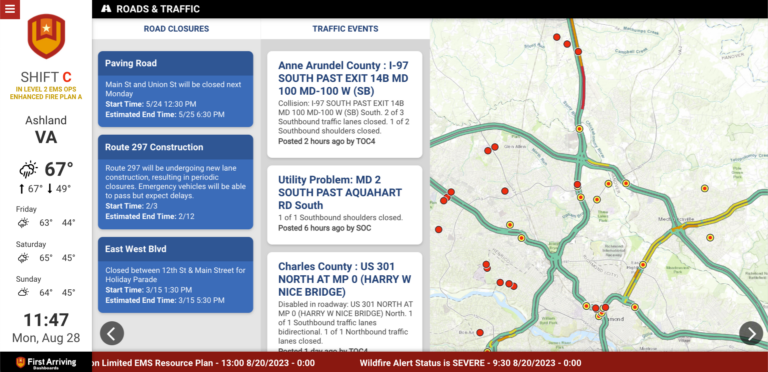
Shift-based operations: Content that is relevant for one shift may be outdated by the next. A road closure, weather alert or apparatus status change that occurs mid-shift needs to be reflected immediately. Manual content workflows cannot keep pace with operational changes.
Multiple locations: Departments with more than one station must manage content across multiple displays from a central location — or assign content management to personnel at each station separately. Both approaches add overhead.
Software not built for public safety: Many departments use general-purpose digital signage platforms originally designed for retail, hospitality or corporate environments. These platforms are flexible but do not connect to CAD, scheduling or fleet systems out of the box. Everything operational has to be entered manually.
No real-time integration: When the display cannot pull live data from the systems that already track staffing, incidents, weather and apparatus status, every update requires a human to make it happen.
What is the difference between automated and manual station signage?
Manual signage depends entirely on a person deciding to update the display, having time to do it and remembering to remove content when it expires. This produces displays that are accurate immediately after an update and increasingly stale as time passes.
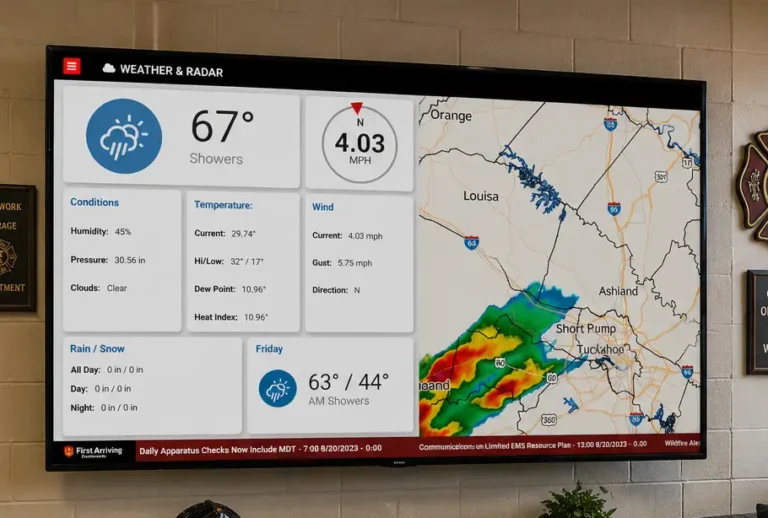
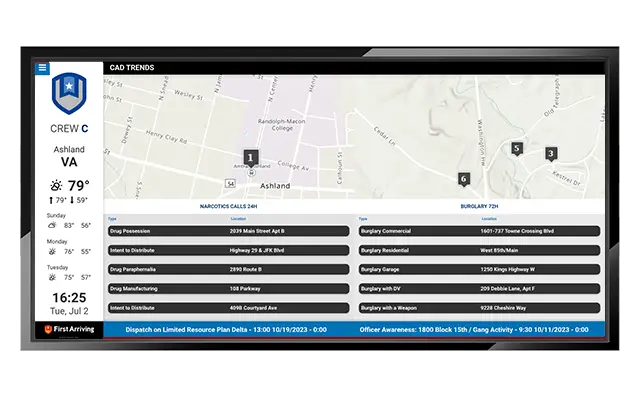
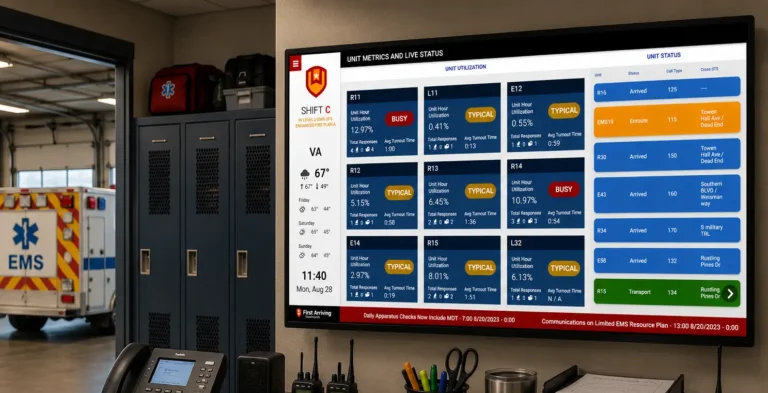
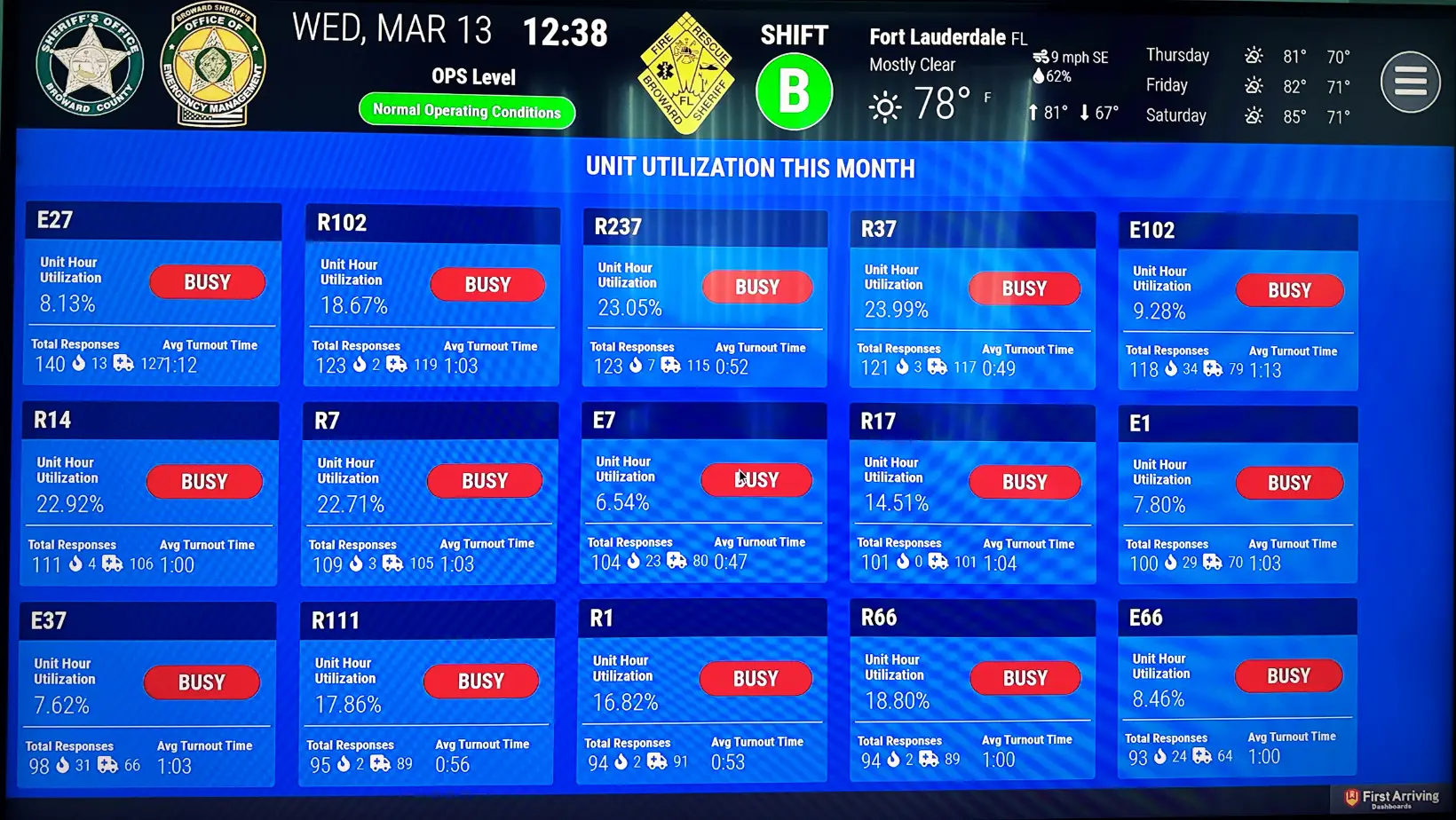
Automated signage pulls live data from connected systems and updates displays continuously without human intervention. When CAD registers a new incident, the dashboard shows it. When scheduling records a staffing change, the dashboard reflects it. When the National Weather Service issues a severe weather alert, it appears automatically.
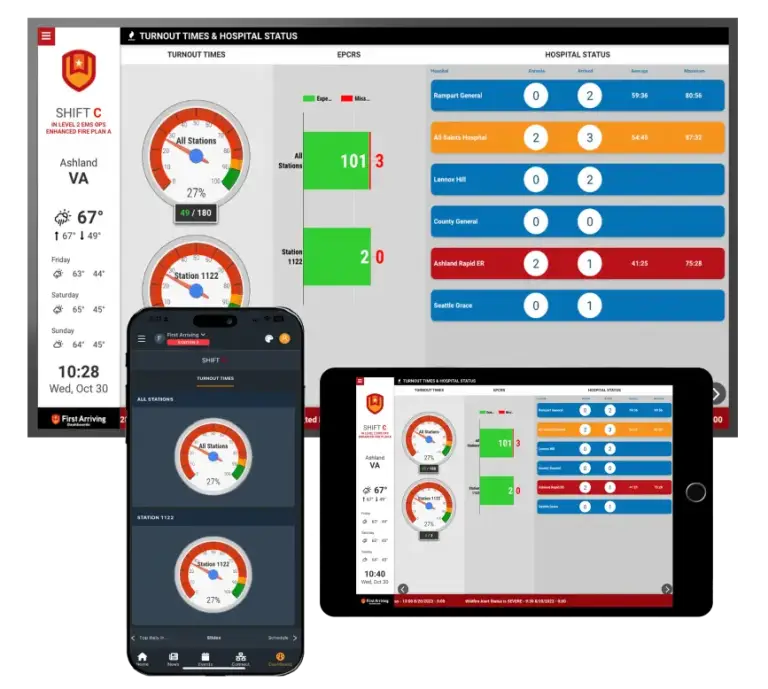
The difference in operational value is significant. An automated display that shows current staffing, active incidents, apparatus availability and real-time weather is a genuine operational tool. A manually updated display that shows last week’s training schedule is not.
How does First Arriving reduce the burden of keeping station displays current?
First Arriving addresses the content management burden through real-time integration and purpose-built public safety tools.
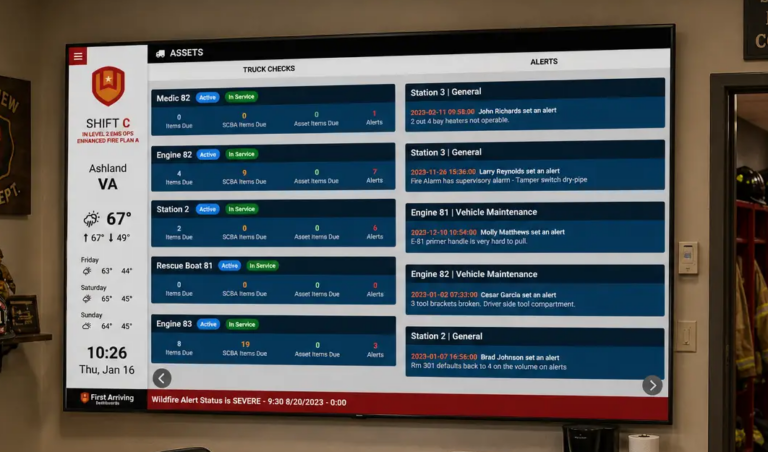
Automated operational content: Integrations with CAD, scheduling, fleet management and weather systems keep the most critical operational data current automatically. No one has to manually update active incident status, staffing levels or apparatus availability.
130-plus pre-built integrations: First Arriving maintains active connections with the platforms public safety agencies already use — which means operational data flows to the display without duplication of effort.
Simple content tools for non-technical users: For content that does require human input — announcements, recognition, training reminders, policy updates — First Arriving’s content tools are designed to be used by company officers and administrative staff without technical training.
Content scheduling and expiration: Content can be scheduled to appear and disappear automatically, which reduces the ongoing burden of remembering to remove expired slides.
Frequently asked questions
How much time does it typically take to manage station digital signage each week?
It varies widely by platform and integration level. Departments using general-purpose signage platforms with no integrations may spend several hours per week per station on content management. Departments using First Arriving with real-time integrations typically spend significantly less time because operational content updates automatically.
Who should be responsible for station signage content?
The most successful departments assign content responsibility clearly — either to a specific role at each station (company officer, administrative coordinator) or to a central communications or PIO function for department-wide content, with station-level personnel managing location-specific updates.
Can real-time data from CAD actually appear on a station display?
Yes. When a dashboard platform has an active integration with a department’s CAD system, new incidents, unit status changes and dispatch information can appear on station displays within seconds of dispatch — without anyone manually updating the screen.
See how First Arriving keeps station displays current automatically →