For EMS Agencies
Internal communications platform for EMS agencies.
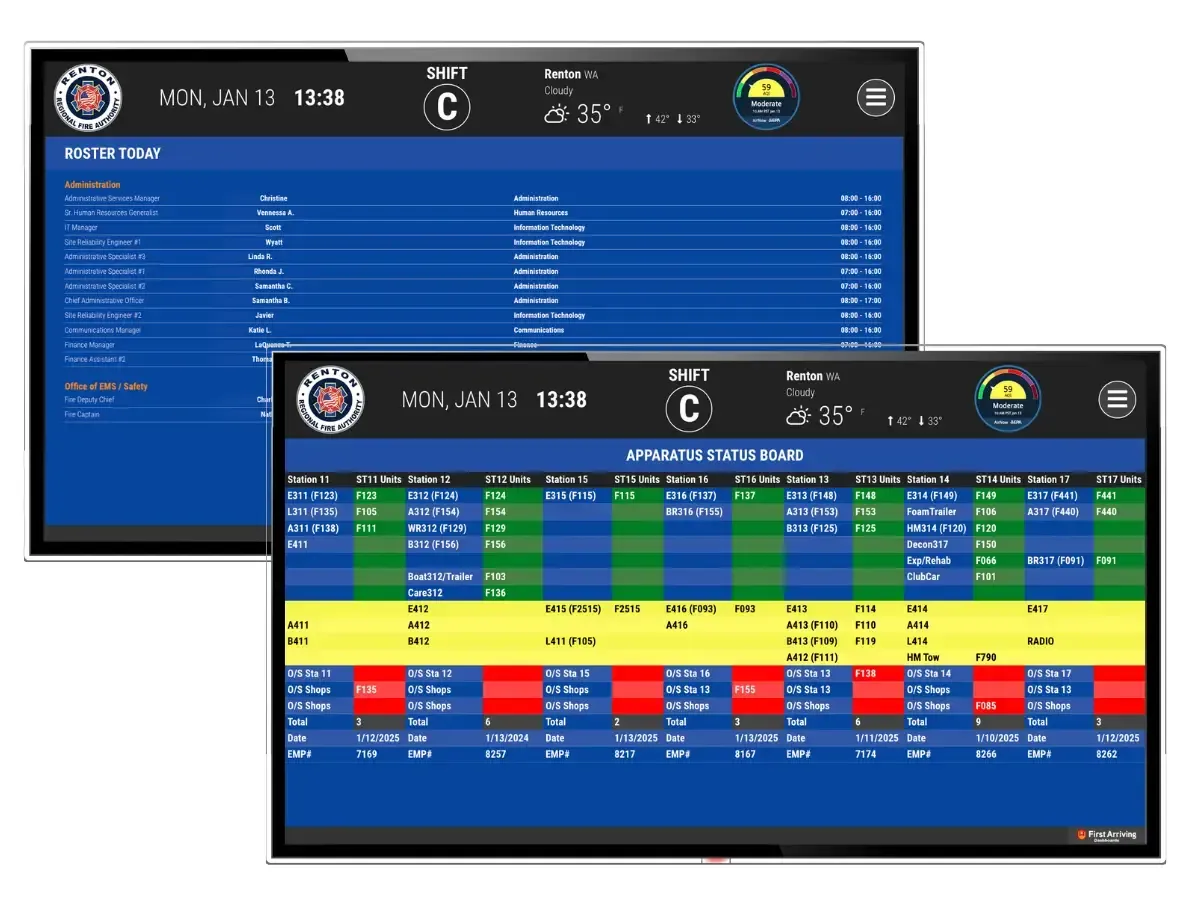
Real-time dashboards, digital signage, alerts, and operational visibility built specifically for EMS. They are delivered to the big-screen displays in your stations, the desktop and tablet, and your crews' mobile devices, so everyone always knows what's happening, what's changing, and what needs attention.
Hospital Status & Transport Awareness
Keep transport decisions aligned with real-time hospital status/warnings alongside key operational info.
Connect Your EMS Systems
140+ integrations: CAD, scheduling, ePCR/records, training/LMS, fleet, inventory, facilities, and more.
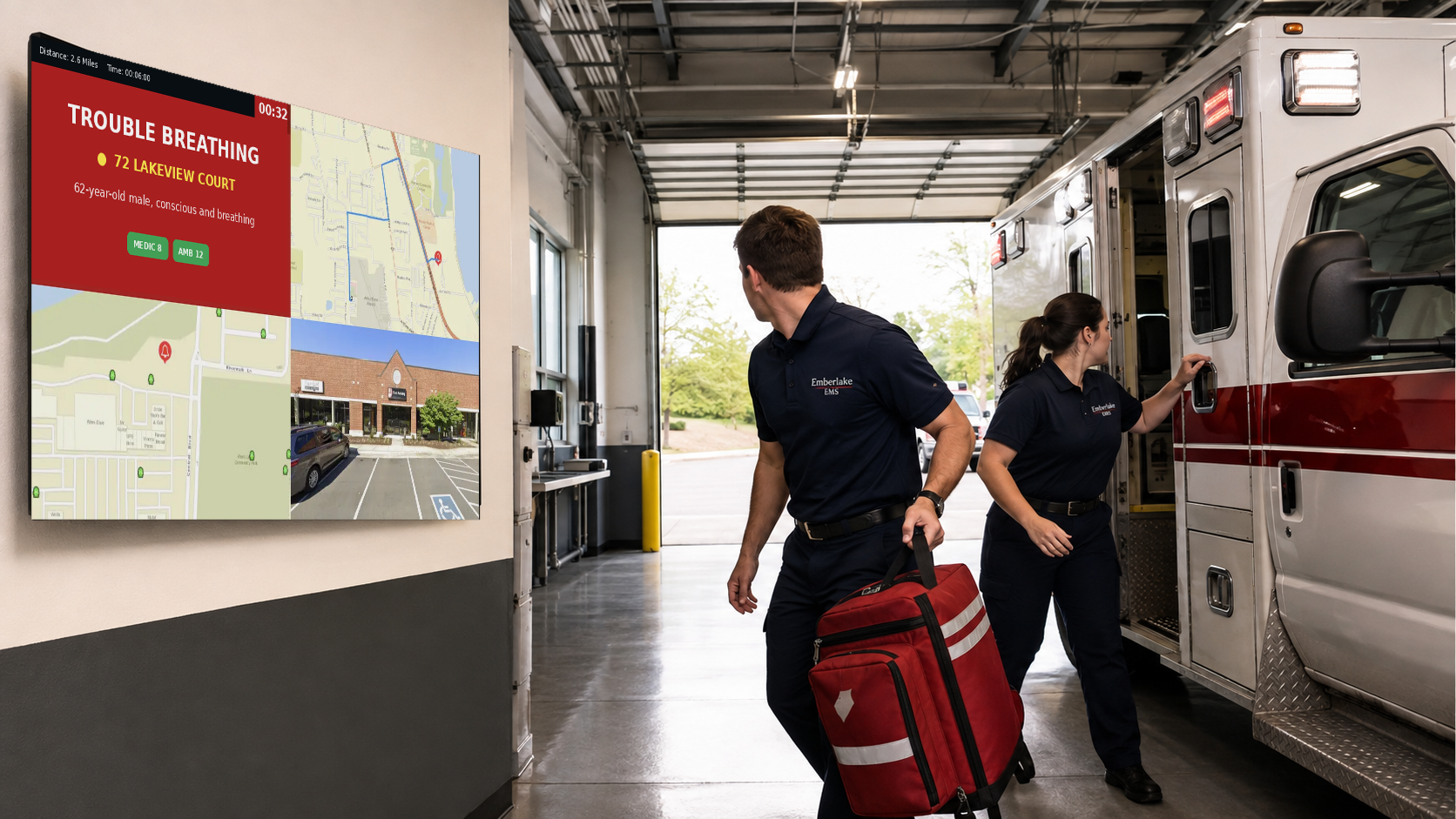
Real-Time Call Alerts & Mapping
Display active calls with dynamic mapping options, routing, layers, and ESRI/Mapbox support.
Unit Status, Coverage & Readiness
See unit availability, status, post assignments, crew readiness, and key indicators at a glance.
Staffing, Scheduling & Shift Coverage
Show rosters, vacancies, overtime, trades, and upcoming staffing needs on displays and individual dashboards.
Training, Compliance & Credentials
Highlight required training, certification expirations, CE reminders, and qualification status.
Fleet, Equipment & Supply Status
Track vehicle readiness, maintenance tickets, equipment, controlled inventory checks, and supplies.
QA / QI & Performance Visibility
Surface response-time trends, unit utilization, call volume, and performance KPIs.
Internal Communications & Content
Push shift notes, policy highlights, announcements, reminders, and recognition, scheduled or real-time.
Weather, Traffic & Environmental
Real-time weather, radar, traffic conditions, closures, and camera feeds for response planning.
Total Access · Anywhere, Anytime
Total access for EMS clinicians, supervisors & leadership.
Whether crews are starting shift, posting for coverage, responding, or reviewing operational data, First Arriving provides real-time visibility across every device.
Station & Facility Displays
Day room, report room, training space, admin areas. Always-on dashboards with the operational picture.
Desktop & Web Access
Ideal for supervisors, leadership, and admin roles. Manage modules, layouts, and content centrally.
Mobile App (iOS & Android)
Quick access to schedules, updates, key dashboards. "See what you need now" format for on-the-go personnel.
*Mobile app available for iPhone & Android. Tablet/desktop access via browser. Mobile edition does not include incident alerting.
See dashboards built for your agency.
Your critical information, visually displayed.
Why First Arriving Stands Out
Built for EMS, not a generic signage tool.
Built specifically for public safety operations, not a generic signage tool.
Centralizes critical EMS information so it's visible, consistent, and shift-proof.
Flexible for single-station EMS, multi-post systems, or county-wide deployments.
Integrates across operational, scheduling, training, and readiness workflows.
Easy for non-technical staff to manage content and keep it current.
What Agencies Say
"Everything they need is right in front of them, in real time."
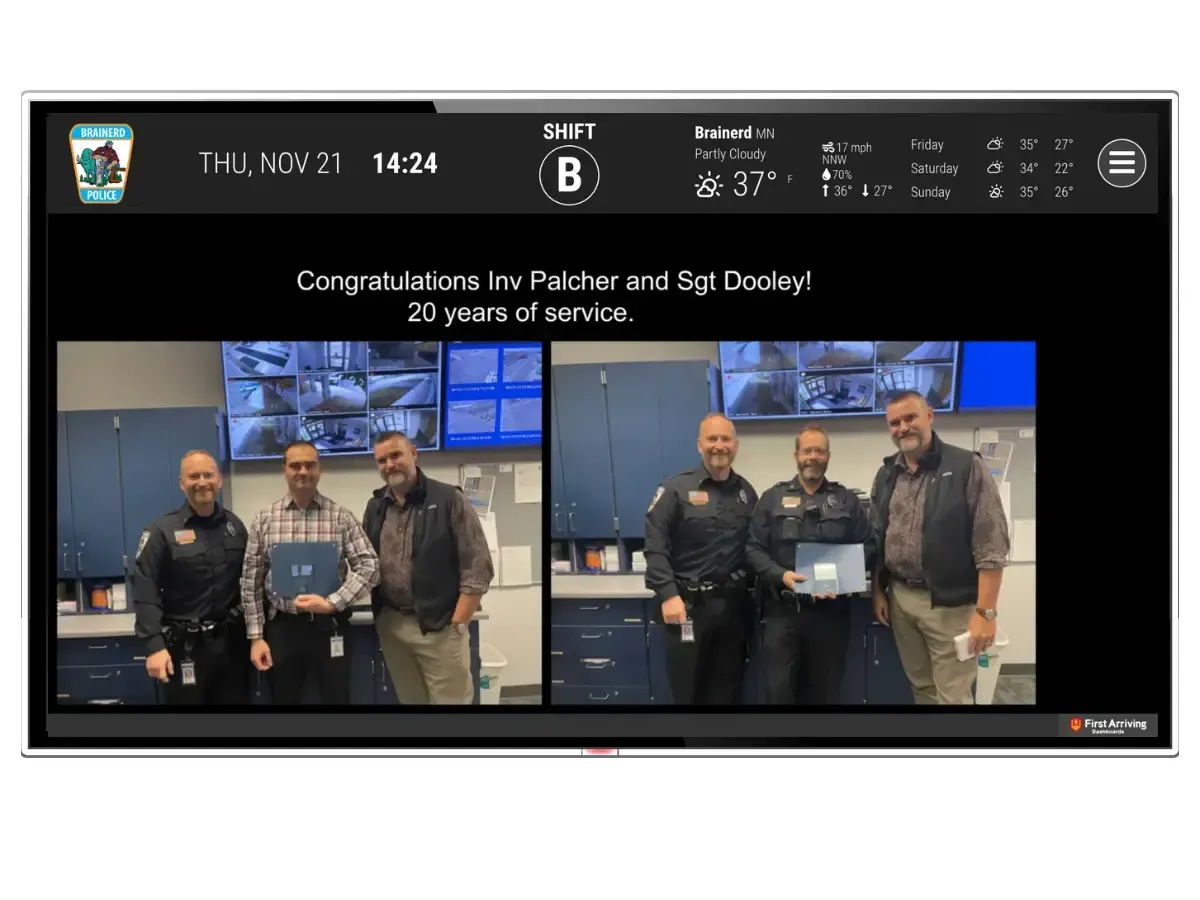
Brainerd (MN) Police Department Follows Fire Department with Digital Dashboard Communication
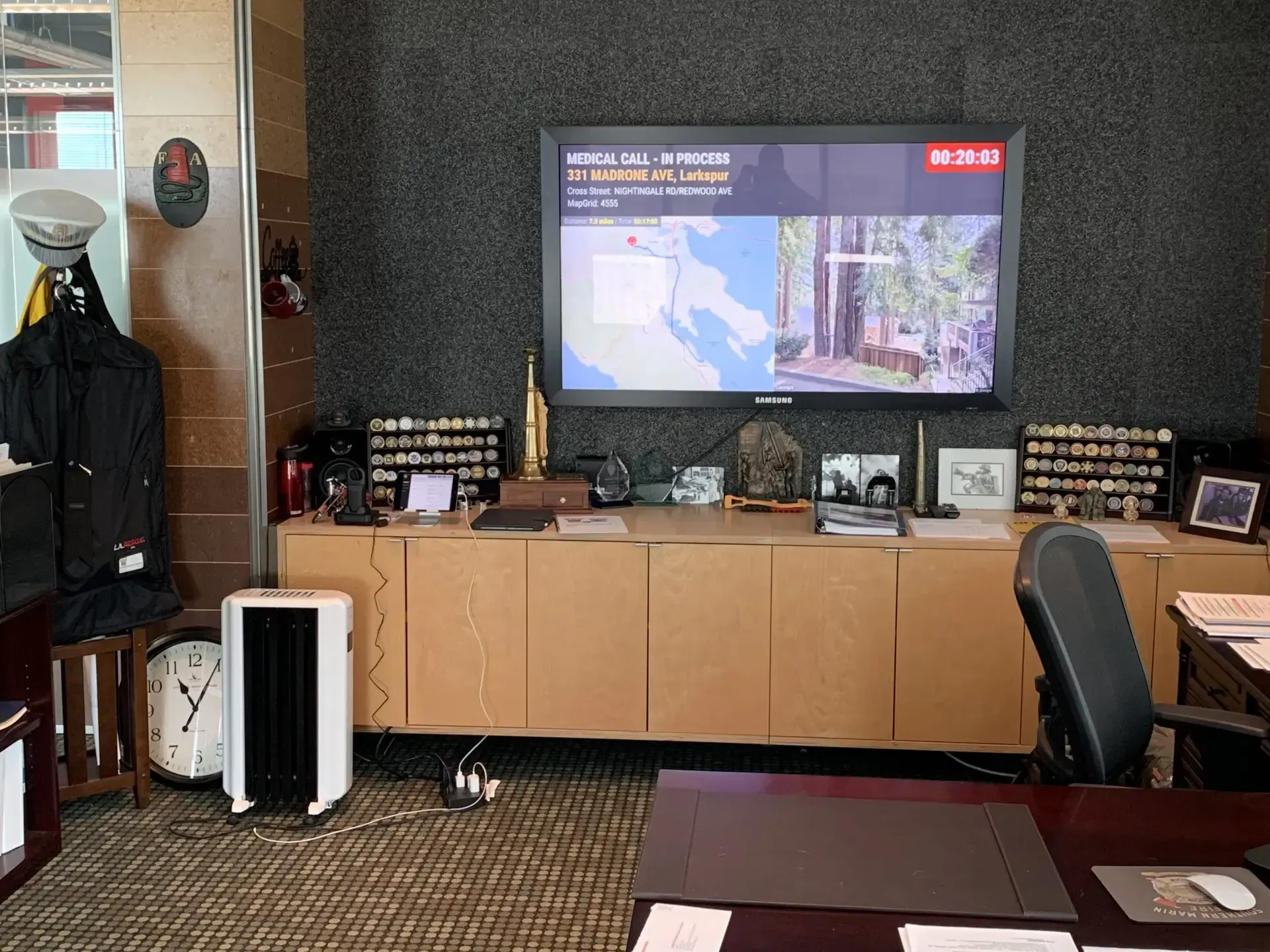
A Dashboard is Worth a Thousand Words for Southern Marin (CA) Fire Protection District