BASIC
Centralized Visibility
Best for 1-2 stations
- Connect key systems (CAD, alerts)
- Pre-built dashboard layouts
- Foundational visibility across screens
For Fire Departments
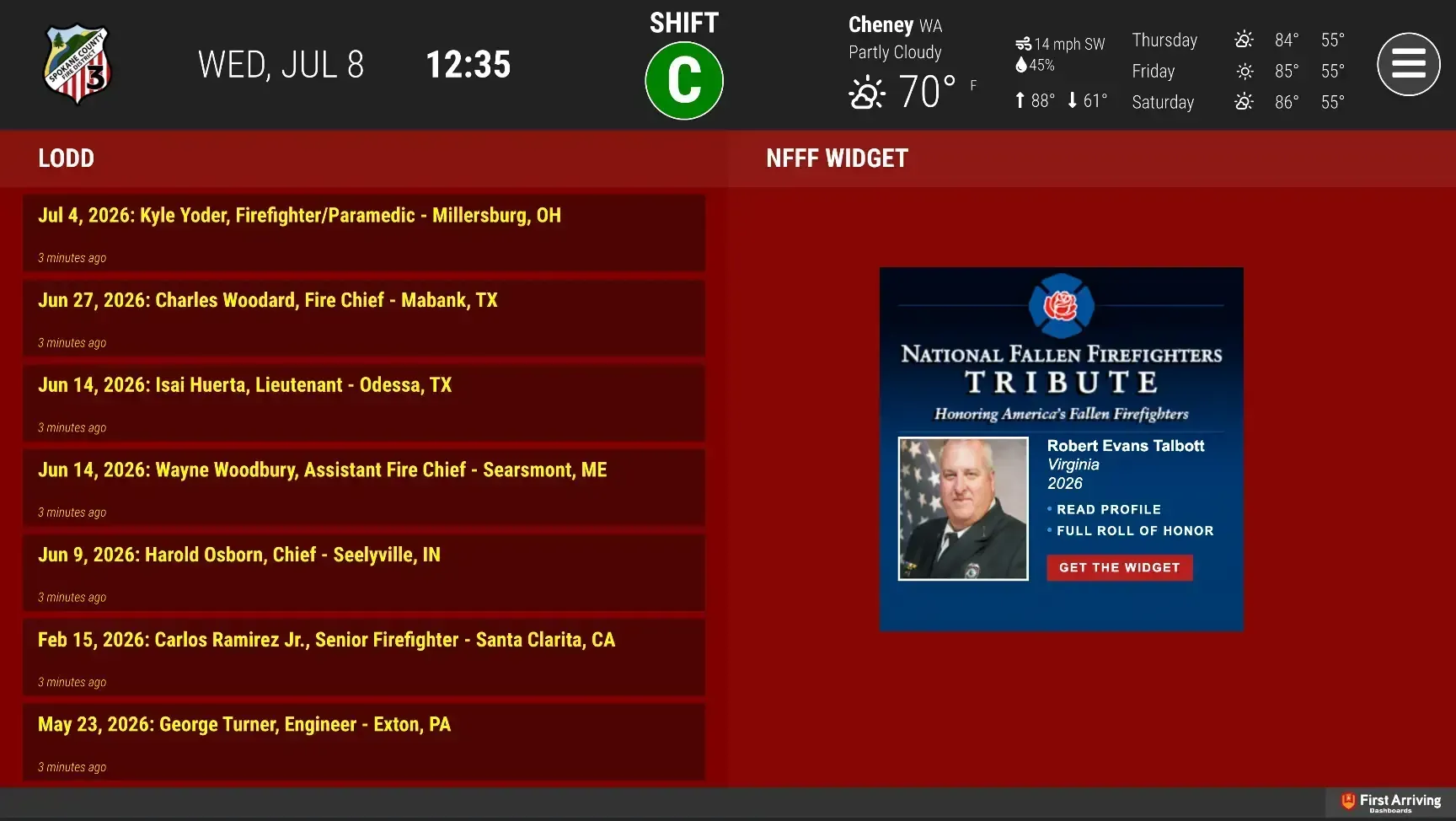
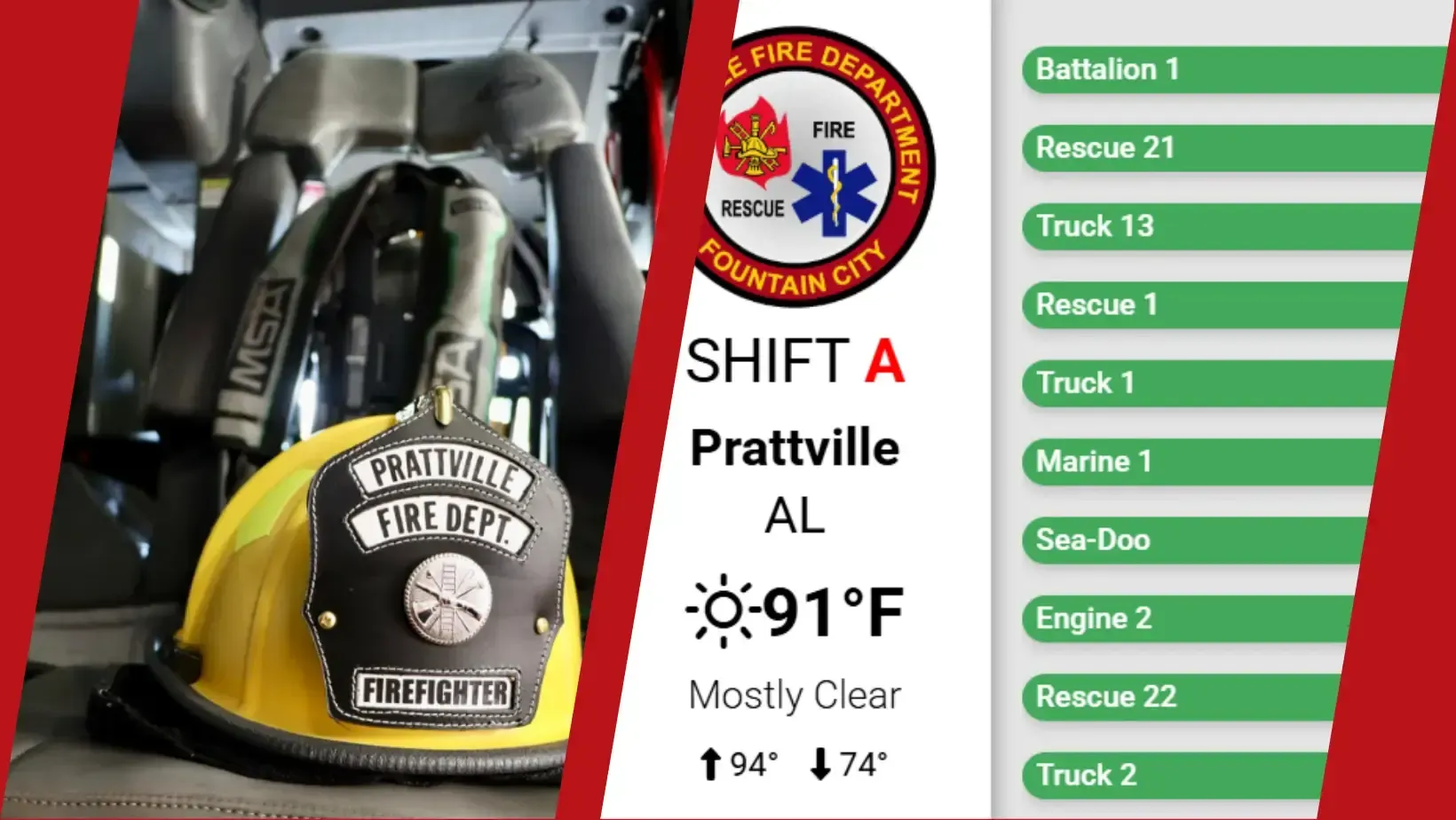
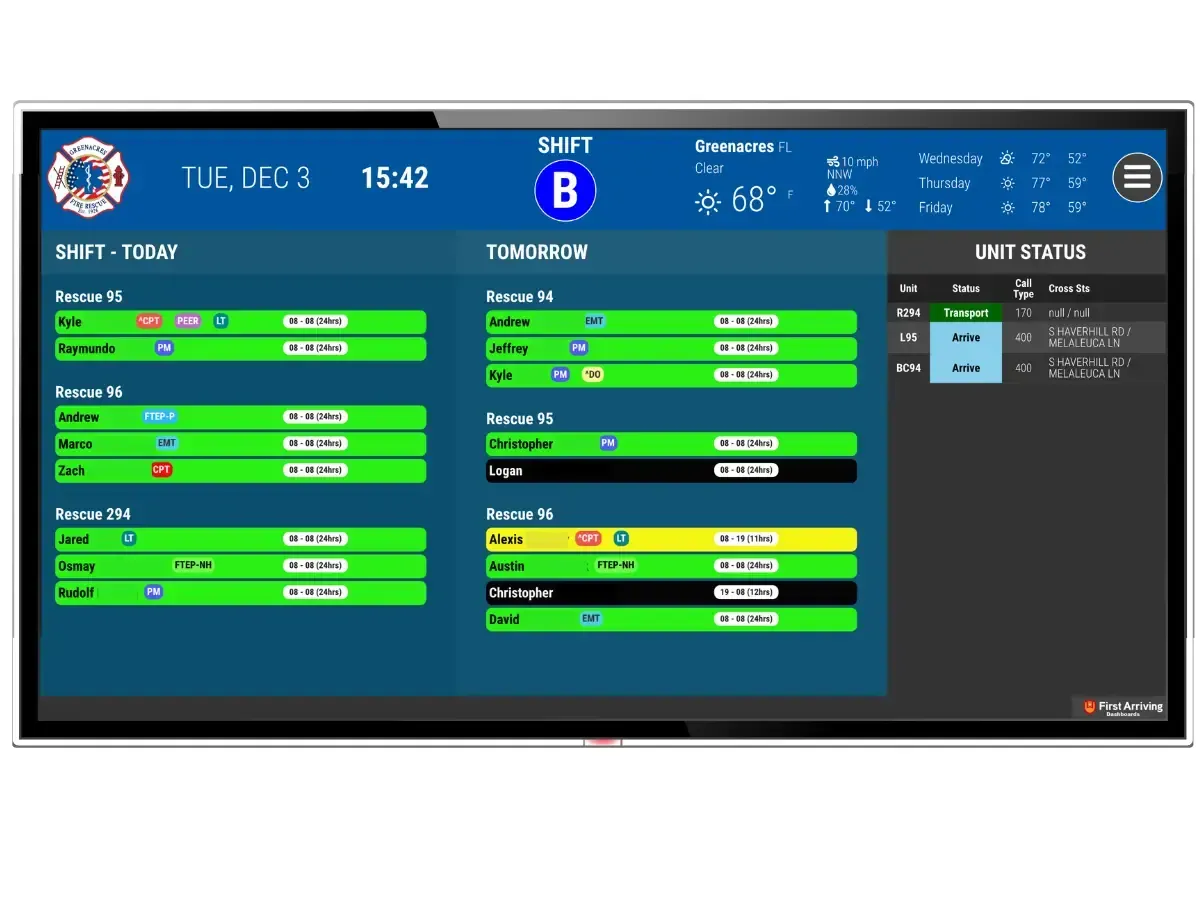
Dashboards, digital signage, alerts, and operational visibility, built for fire stations and departments of every size. On the big-screen TVs in your stations, on the desktop and tablet, and in your crews' and leadership's pockets.
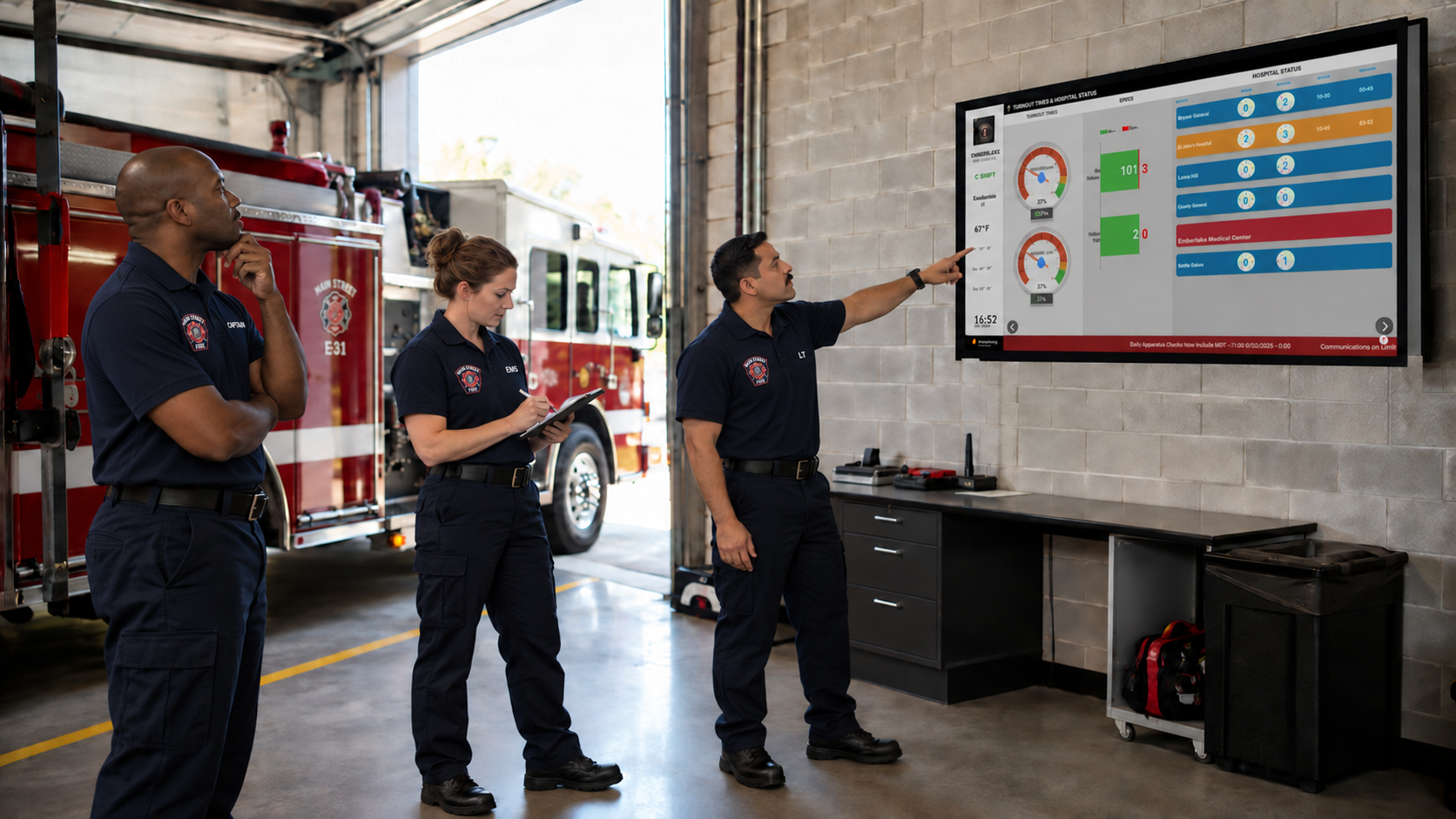
Fire departments operate in a high-stakes, fast-moving environment where minutes count. With dozens of systems (CAD, RMS, staffing, scheduling, training, fleet), critical information gets buried in inboxes or overlooked. First Arriving offers a consolidated, unified operational picture so crews, supervisors, and leadership always know what's happening: immediately, visually, and without friction.
Total Access · Anywhere, Anytime
Whether responding to an emergency, managing a shift, or reviewing operational data at the station, you get real-time visibility across every device.
Day room, training room, chief's office, apparatus bay: always-on with the full picture.
Manage content, modules & layouts; access analytics, trends, and allocations.
Schedules, training reminders, documents, and required acknowledgements.
Core Capabilities & Features
CAD/RMS, scheduling, LMS/training, fleet/equipment, asset tracking, and facility systems.
Active calls with dynamic mapping, GPS routing, hydrant overlay, live status, and ESRI support.
Apparatus status, equipment readiness, unit availability, and turnout times.
Shift rosters, trainings, leave, overtime, vacancies, and events agency-wide.
Reminders for upcoming training, certification expirations, and compliance status.
Real-time weather, radar, road/traffic updates, traffic-cam feeds, closures, and hazards.
Apparatus readiness, maintenance tickets, equipment service status, and facilities.
Reach crews, visitors, and waiting areas; documents, acknowledgements, and rotating content.
Packages
We saw a tremendous improvement in our turnout times. We didn't say a word. We just put the dashboards up, and the competitive nature of firefighters kicked in.
The Proof
This kind of technology is how they do business. They’re visual, they love having everything at their fingertips (instant data and instant feedback), and that’s exactly what they’re getting here. And we’ve heard nothing but good stuff.
 Senior Deputy Fire Chief Michael E. SouderHarrisburg (PA) Bureau of Fire
One of our favorite features of First Arriving, is when a call comes in, it pops up on the screen, and our guys can see the street level view of where they’re going before they even leave the station. And that’s an awesome tool. That situational awareness when you’re pulling up, of what that house is going to look like before you even get there, is something that is just… unbeatable.
 Dustin Conner, Emergency Management CoordinatorTerrell (TX) Fire Department
We’ve been very impressed with First Arriving’s responsiveness and with their technical staff. Any requests we put in; they were handled so fast. We’re very impressed with their quality, dependability, and commitment.
 Fire Chief Chris TubbsSouthern Marin (CA) Fire Protection District
How fire and rescue agencies put one operational picture on every screen.
Placement Map
From the apparatus bay to the chief's office, day room, and training room, see the high-traffic spots that keep every crew informed.
More dashboard ideas →FAQ
What fire departments ask most.
The mobile edition does not include incident alerting. Station displays, desktop, and tablet carry the full real-time incident picture.
Yes. Role-based, zoned dashboards let you tailor content by station, shift, division, or specialty team.
Yes. Our dedicated media players run in locked kiosk mode on the TVs you already have, always on with automatic restart.
In seconds. Updates push to every screen (signage, desktop, tablet, and mobile) in real time.
See the platform in action. We'll tailor the demo to your agency.