
 ACTIVE INTEGRATION
Emergency Networking + First Arriving
Connect your Emergency Networking account to your First Arriving dashboard and put your call volume, response and turnout performance, and incomplete report list on the screens in your stations, pulled straight from your records with no manual entry.
What Connects
Your Emergency Networking data on the wall, desktop, and in every pocket.
Call counts by unit
Call counts broken down by unit and apparatus.
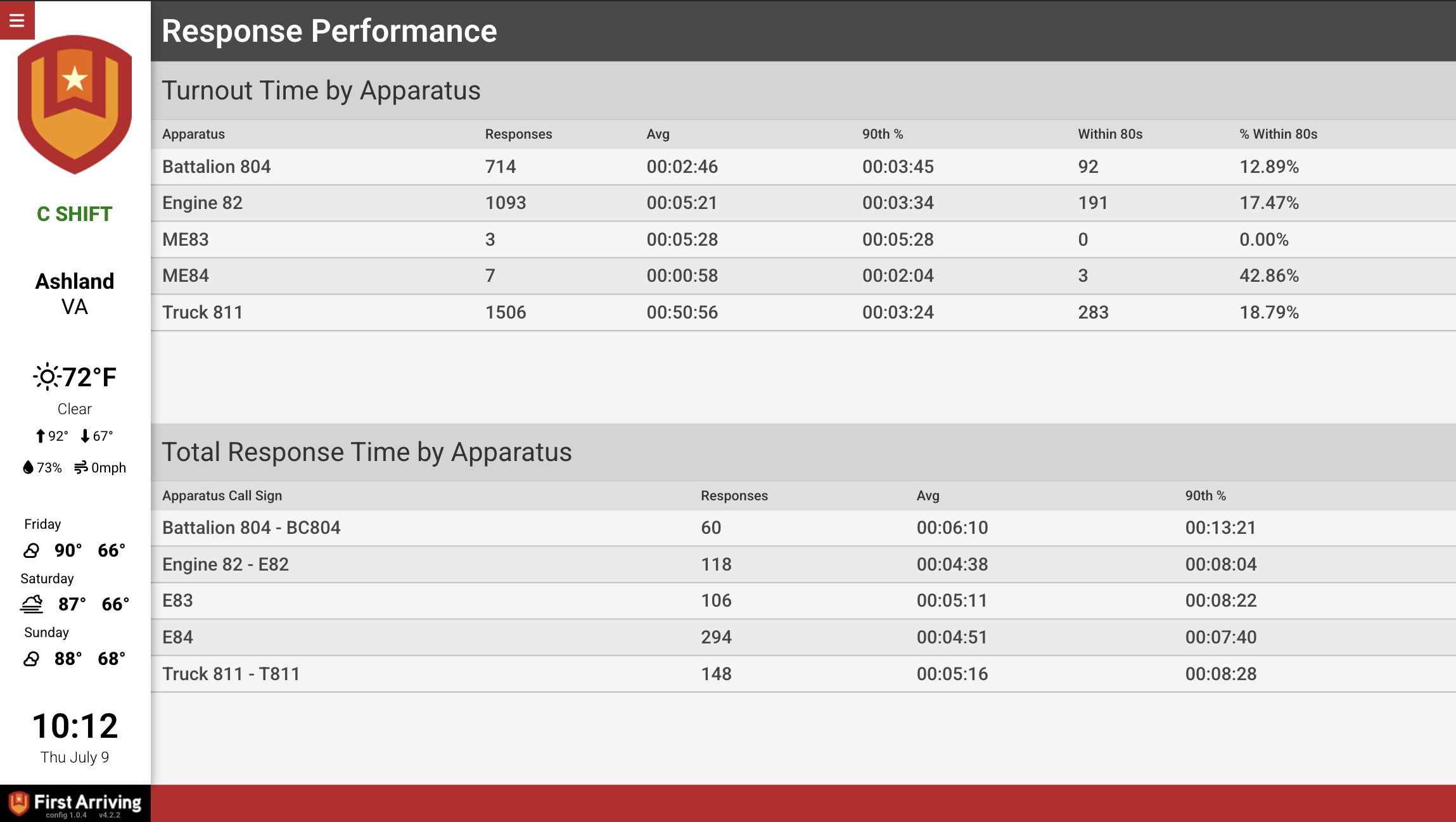
Turnout times by unit
Color-coded so outliers are visible from across the room.
Incomplete reports
Incidents with incomplete reports (incident number, call nature, unit, address, and time), so follow-up is visible instead of buried.
Call mix at a glance
A doughnut chart of your calls grouped by incident type.
Response & turnout gauges
Average turnout time and average response time, each on its own radial gauge.
Sample Views
See it on the dashboard.
Live in three steps.
Create an API token in the Emergency Networking portal
Under Department Settings → Access → API Tokens, create a dedicated token for First Arriving. Don't reuse an existing token or share it with other services.
Assign read-only permissions
Check all read permissions (dispatch tickets, users, schedule, apparatus, fire, hydrants, events, occupancies, training, NERIS). Leave every write permission unchecked.
Send us your token
Generate the token and send it to us securely.
Support Center
Full setup details for Emergency Networking