
 ACTIVE INTEGRATION
Files.com + First Arriving
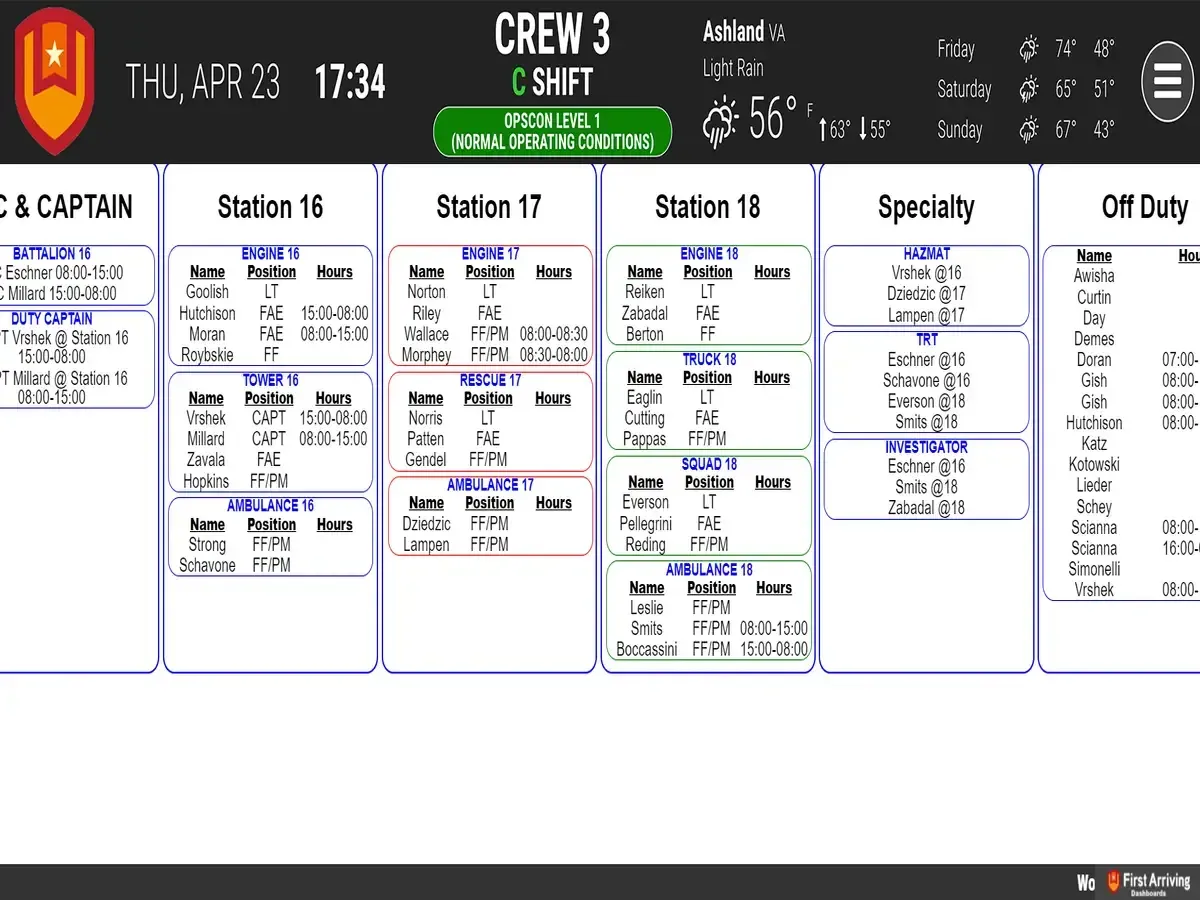
The integration between First Arriving and Files.com (formerly BrickFTP) allows several different file types to be displayed on your dashboard. Files.com allows you to modernize and protect your business by exchanging files through a secure cloud platform for files and workflows.
Files.com allows you to modernize and protect your business by exchanging Files through the most Secure Cloud Platform for Files and Workflows.
What Connects
Your Files.com data on the wall, desktop, and in every pocket.
Display HTML files sent to BrickFTP/Files.com
Also can display any .CSV, .TXT, or .XML file not provided from an integration
Sample Views
See it on the dashboard.
Live in three steps.
01
Set up automatic CSV export
02
Send us the CSV file automatically
To a location we provide.
03
Keep the same file name when overwriting
Support Center
Full setup details for Files.com