
 ACTIVE INTEGRATION
Fire Engineering RSS Feeds - News & More + First Arriving
Put the latest fire service news from Fire Engineering on your station screens. Headlines, story summaries and photos arrive throughout the day, from the sections your crews care about most, in layouts and colors that match your department.
What Connects
What Connects
Pick the news sections your crews care about
Show everything Fire Engineering publishes, or narrow it to sections like firefighting, training, technical rescue, fire safety, apparatus, leadership, firefighter health, wildland, hazmat and more.
Headlines, summaries and photos for every story
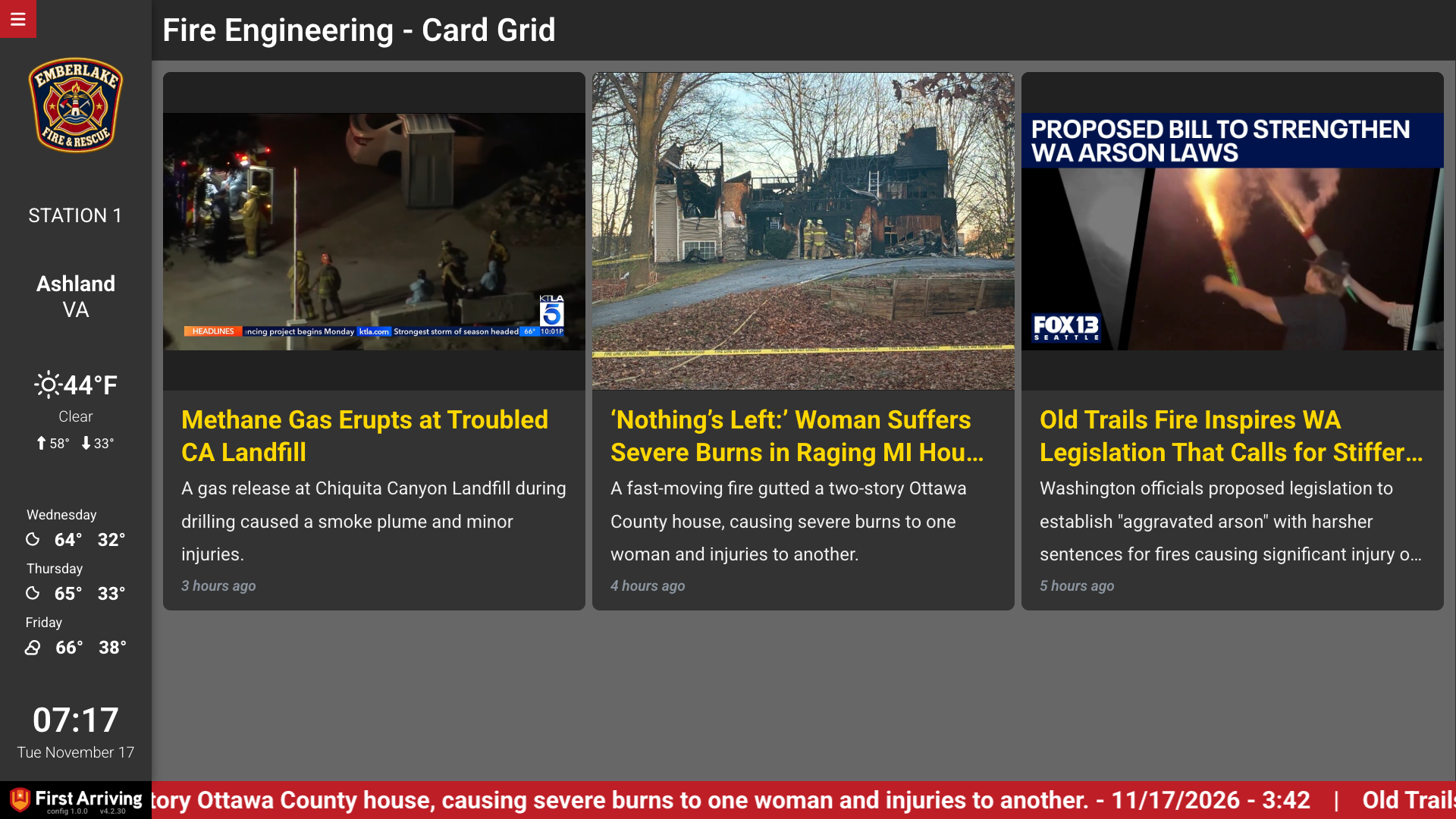
Each story shows its headline, a short summary, its lead image and when it was published, such as "3 hours ago."
Three layouts built for the station wall
Choose a featured story with the latest headlines beside it, a three-column card grid, or a two-up layout with custom card colors.
Match your department's colors
Set your own card background and title colors, and choose a light or dark theme.
A scrolling news ticker
Run stories across the screen in a ticker that shows each story's summary and when it was published.
Clean, readable layouts
Long titles and summaries are shortened automatically to fit, and the feed can sit in a sidebar or a top header.
Sample Views
See it on the dashboard.
Live in three steps.
Pick your sections
Choose the full Fire Engineering feed or the specific news sections you want.
Tell us which feed and where it goes
Let us know your layout and which screens should show it.
We set it up
We add the feed to your screens. You don't need an account or any credentials.
Support Center
Full setup details for Fire Engineering RSS Feeds - News & More