
 ACTIVE INTEGRATION
Firehouse247 + First Arriving
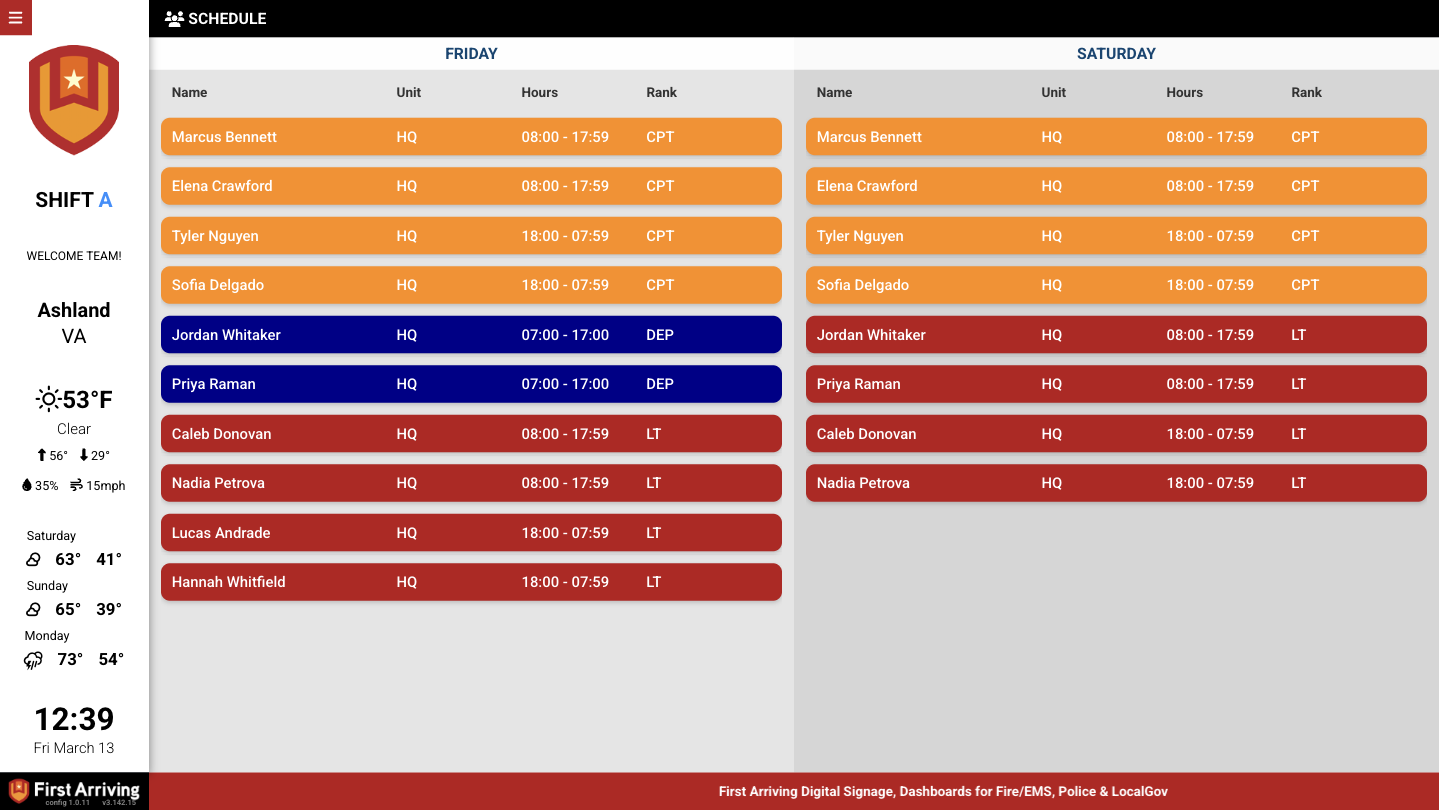
Put your Firehouse247 scheduling data on the screens in your stations: who's on today, which unit they're riding, what position they're filling, and who's off. It's pulled live from your schedule, with no one retyping a roster onto a whiteboard.
What Connects
Your Firehouse247 data on the wall, desktop, and in every pocket.
Date window
Show a single day or a range, and shift the window forward or back: today, tomorrow, or the week ahead.
Fields you can display
Nine personnel fields to choose from: name, rank, unit, assignment, position, group, PTO status, time range, and start date.
Grouping and organization
Group rows by rank, unit, assignment, position, group, or start date, then filter, sort, and color-code them.
Live in three steps.
Request an API key from Firehouse247
Contact Firehouse247 support and ask them to issue a key for your First Arriving dashboard integration.
Request the integration from us
Open a ticket and tell us which dashboard it's for and roughly what you want the roster to show.
Send us your key
Once we confirm, send the API key to us securely.
Support Center
Full setup details for Firehouse247