
 ACTIVE INTEGRATION
FireRescue1 + First Arriving
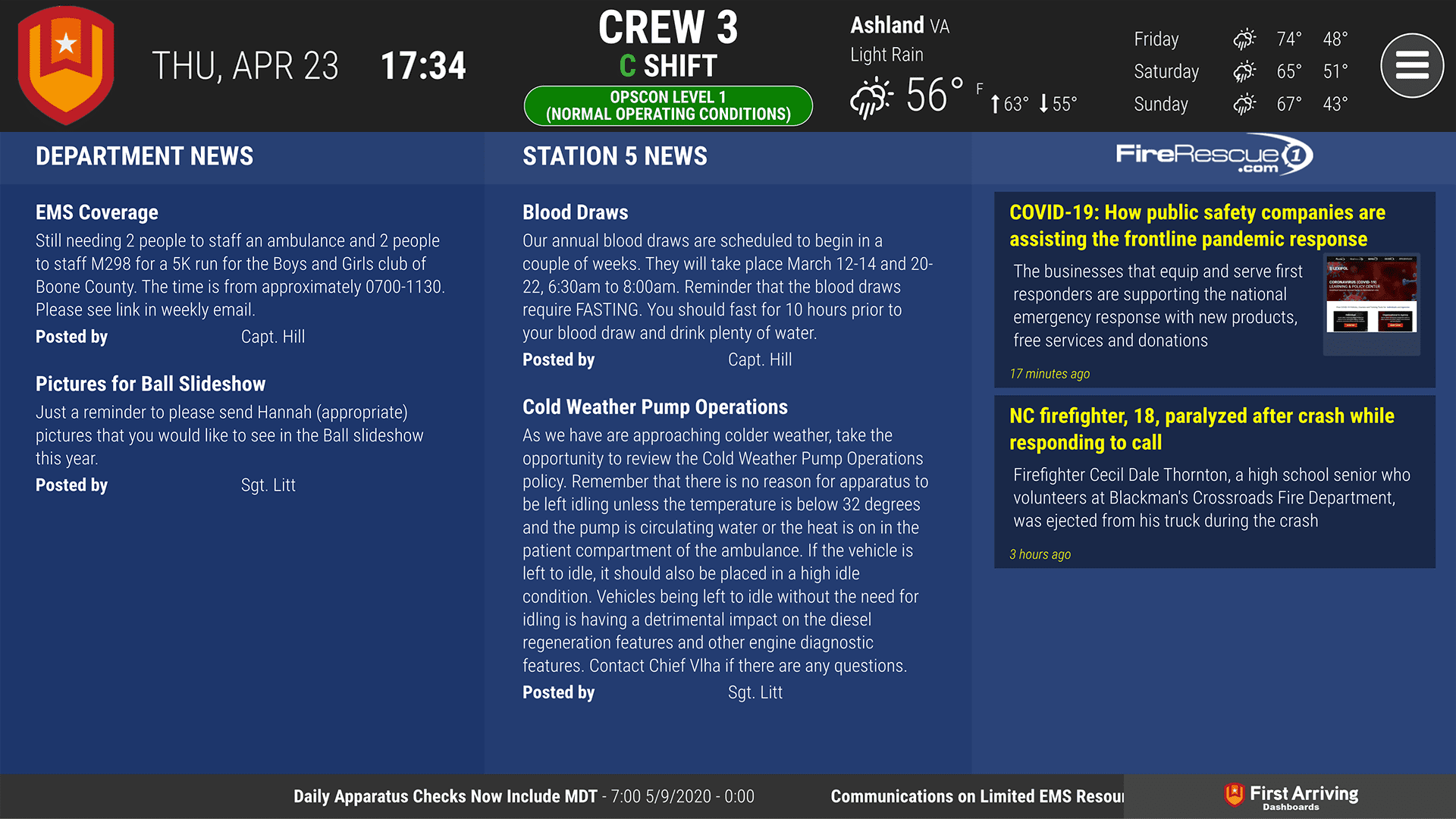
First Arriving brings FireRescue1's latest top articles and firefighting news to your dashboards, on screens in your stations, workplaces and offices, on desktops and on the go: titles, previews and images, with anything published in the last 24 hours highlighted. Run it as a ticker that scrolls along the bottom of your dashboard.
What Connects
Your FireRescue1 data on the wall, desktop, and in every pocket.
New entry highlighting
Entries published in the last 24 hours are shown in a different color text and background.
Article preview
Title, first few sentences, and the article image when one is available.
Ticker display
Can be used as a ticker at the bottom of your dashboard that scrolls the articles.
Live in two steps.
Choose your RSS feed
Recently published, daily news, most popular articles, exclusive articles, experts and columnists, or product coverage.
Send us your choice
We'll set up the feed you want.
Frequently asked questions
What shows on the dashboards?
Each article's title, first few sentences, and image when one is available. It can also run as a ticker that scrolls the articles across the bottom of your dashboard.
How do crews spot new stories?
Entries published in the last 24 hours are shown in a different color text and background, so they stand apart from older stories. Each entry carries its title, first few sentences and image when one is available.
What setup is needed?
Choose your RSS feed: recently published, daily news, most popular articles, exclusive articles, experts and columnists, or product coverage. Send us your choice and we'll set it up.
Support Center
Full setup details for FireRescue1