
 ACTIVE INTEGRATION
Google Sheets + First Arriving
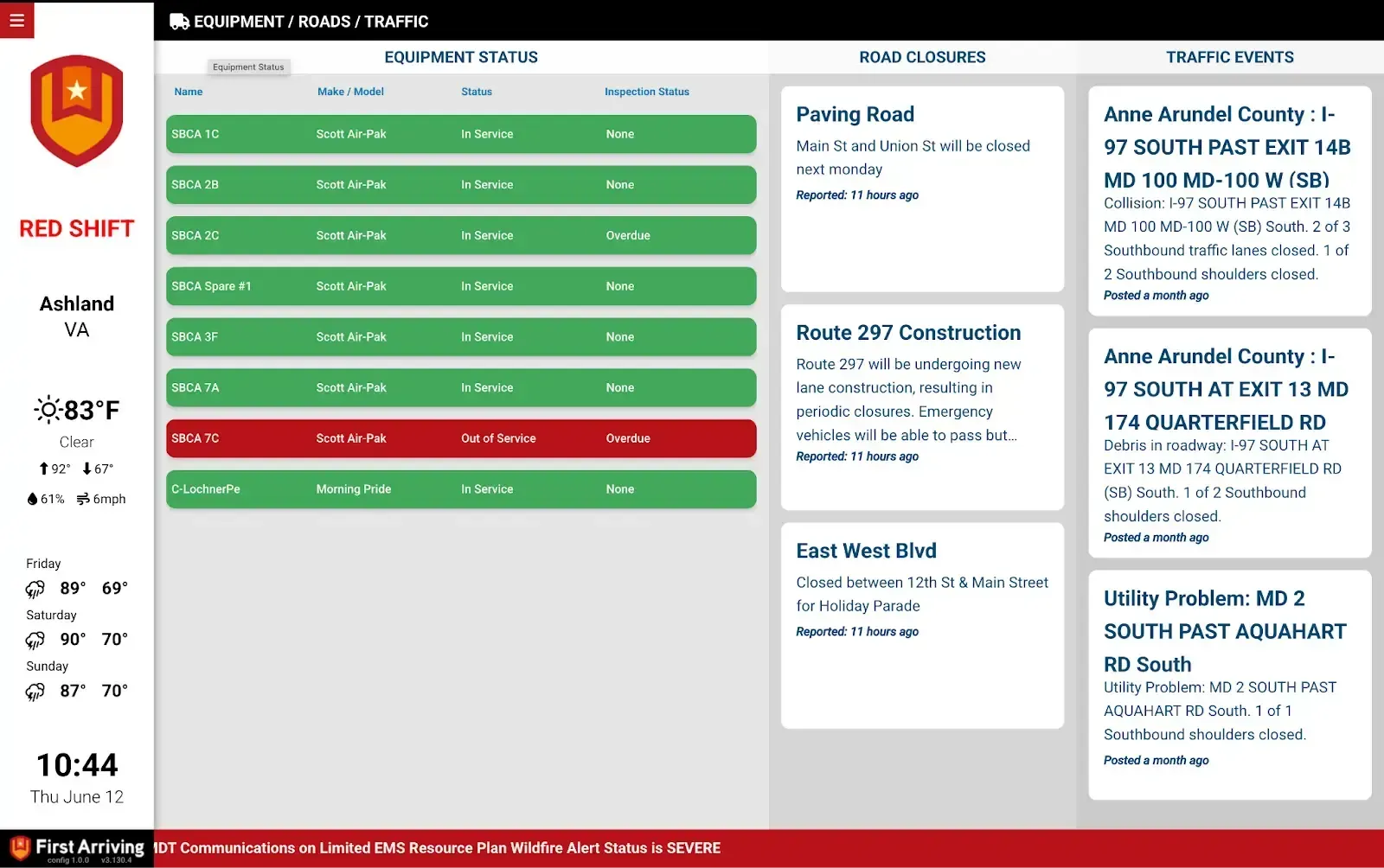
First Arriving turns Google Sheets into content for your dashboards, on screens in your stations, workplaces and offices, on desktops and on the go: department news, pass-along info, hydrants out of service, road closures, run totals and just about anything else. Set posted and expiration times, and entries show only when you want.
What Connects
Your Google Sheets data on the wall, desktop, and in every pocket.
Common sheet templates
Department news, station news, pass-along info, equipment and facilities maintenance, upcoming events and training, daily tasks, hydrants out of service, road closures, burn permits, run totals, and just about anything else you want to communicate.
Scheduled posting
Most templates support a posted and expiration date/time, so entries show only when you want and are removed automatically. The record stays in the sheet until you delete it.
Per-tab permissions
Google Apps' user permission settings let you give someone access to certain tabs, not all.
Sample Views
See it on the dashboard.
Live in four steps.
Which items from above you are interested in. Don’t see what you are looking for, simply ask us!
A Gmail or Google-based email address to share the Sheets with.
You can have a Department-wide account that is a master, or you can require users who will be updating info to get their own.
Clicking this link will allow you to use your own email address to be used with Google Apps if not Gmail.
Frequently asked questions
What can we post?
Common templates cover department and station news, pass-along info, equipment and facilities maintenance, upcoming events and training, daily tasks, hydrants out of service, road closures, burn permits and run totals. Don't see what you need? Ask us.
How do old posts come down?
Most templates support a posted and expiration date and time, so entries show only when you want and are removed automatically. The record stays in the sheet until you delete it.
What setup is needed, and who can edit?
Tell us which items you want and give us a Gmail or Google-based email address to share the Sheets with; you can use your own email as a Google account if it isn't Gmail. Use one department-wide master account or individual accounts, and Google's permission settings can limit someone to certain tabs.
Support Center
Full setup details for Google Sheets