
 ACTIVE INTEGRATION
Kronos Telestaff + First Arriving
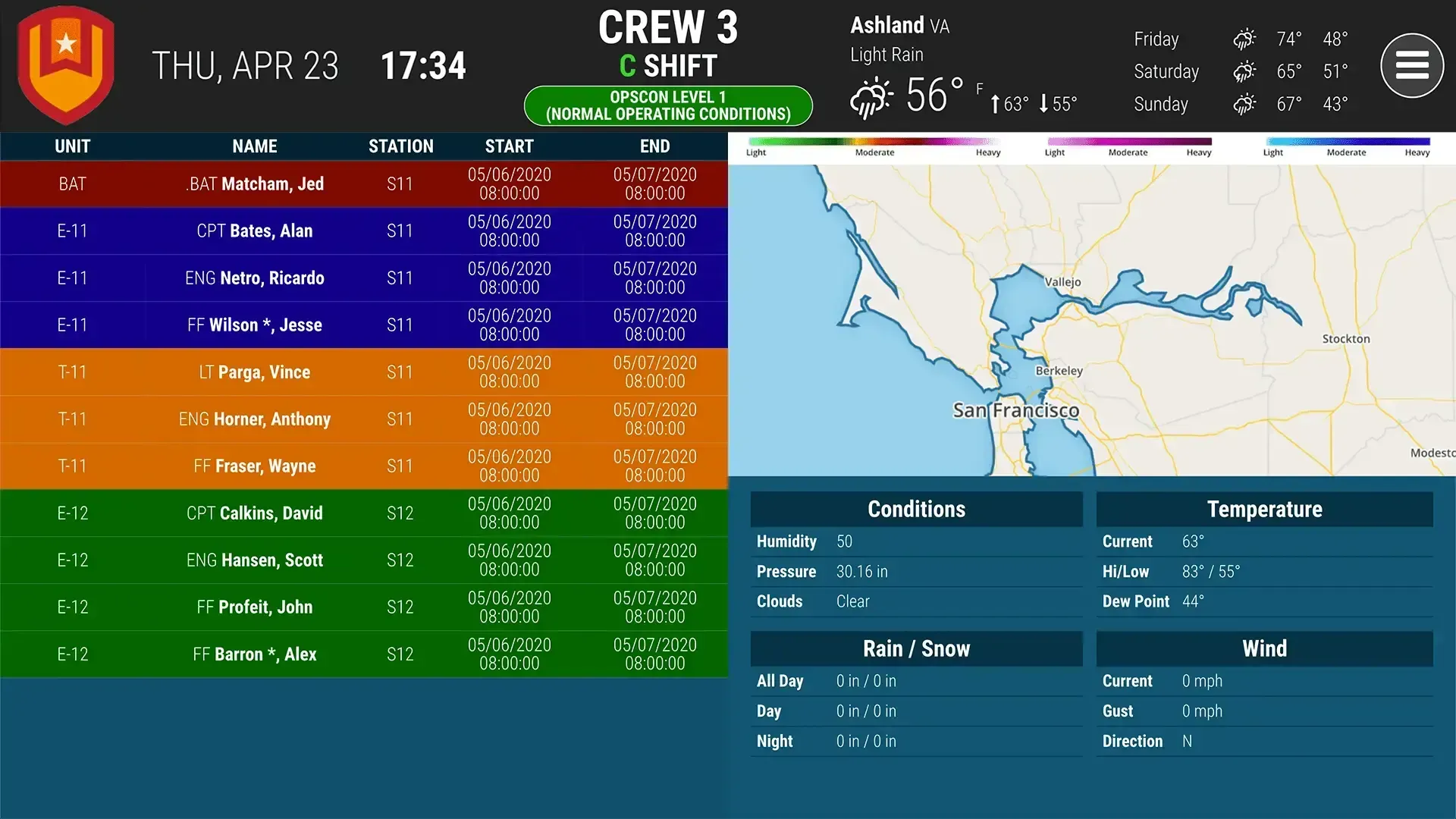
First Arriving's integration with Kronos Telestaff brings your daily roster to your First Arriving dashboards.
Workforce TeleStaff is the time-tested, proven automated scheduling solution that public safety organizations around the country rely on. Part of the Kronos Workforce Central® suite, our comprehensive workforce management platform, Workforce TeleStaff optimizes the scheduling, communications, and deployment of public safety personnel and other critical resources.
What Connects
Your Kronos Telestaff data on the wall, desktop, and in every pocket.
Daily roster
Current day and next shift or more.
Roster details
Name, unit, start/end date and time, and position.
Organize by station or unit
Sample Views
See it on the dashboard.
Live in four steps.
On-premise Telestaff: export a CSV
Automatically export a CSV file with the needed columns (e.g. RE11.csv), and automatically send it to a location we provide, overwriting the same filename each time.
Cloud-based Telestaff: request FTP credentials
Contact Kronos Telestaff support for FTP location credentials, and tell us the CSV filename with your dashboard data (e.g. RE11.csv or similar).
API-based Telestaff: send us your access details
Your web address for the API, along with a username and password that match it.
Additional Note
Data or API access could carry an additional charge. This is determined by the vendor, not by First Arriving.
Support Center
Full setup details for Kronos Telestaff