
 ACTIVE INTEGRATION
Microsoft PowerPoint (OneDrive/SharePoint Embed) + First Arriving
Already building training material, briefings, or station announcements in PowerPoint? Put those decks on the screens in your stations without rebuilding them in Google Slides. We embed a .pptx hosted in OneDrive or SharePoint.
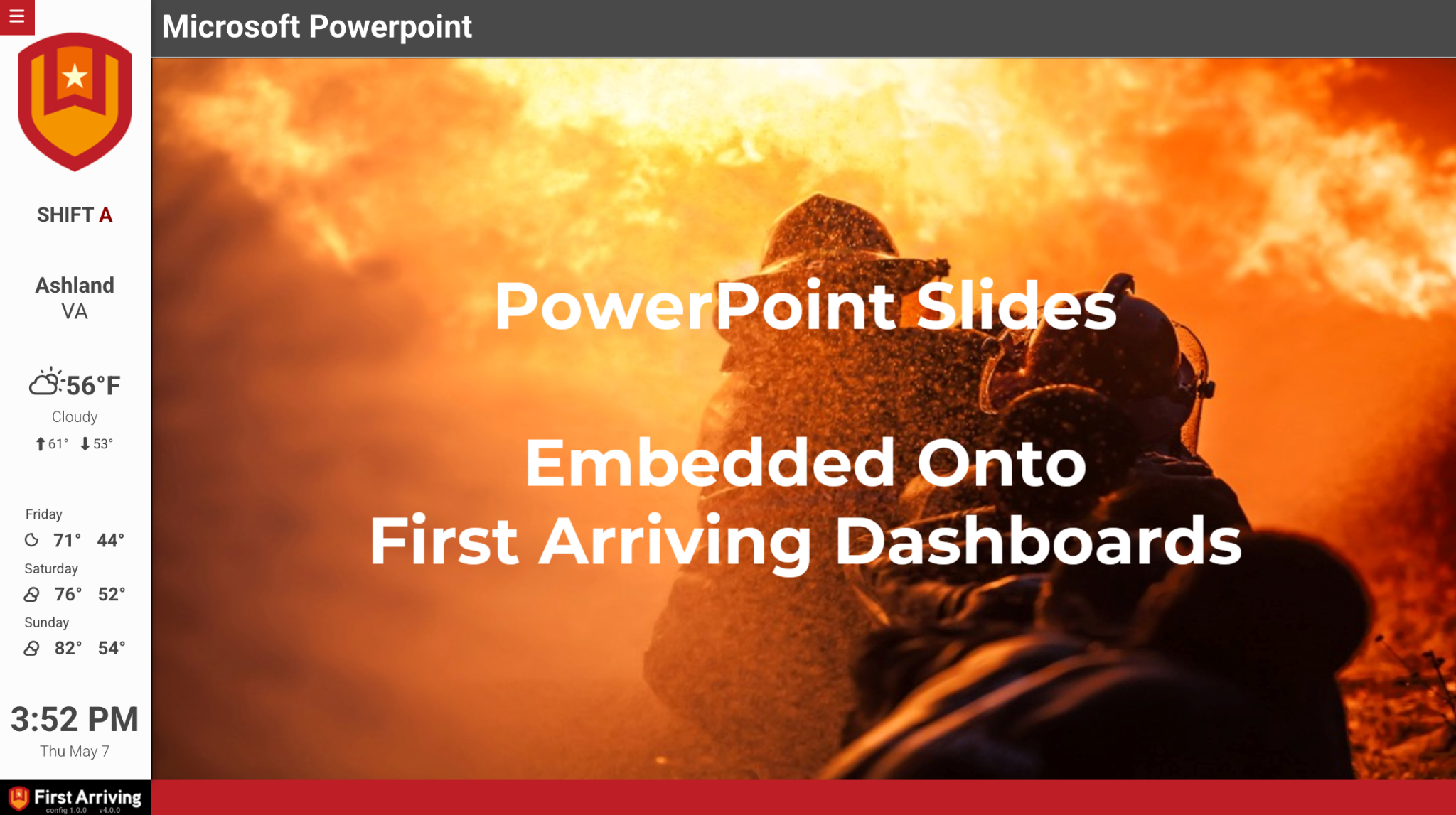
What Connects
Your PowerPoint deck on the wall and desktop.
Any PowerPoint deck
A .pptx stored in OneDrive or SharePoint, advancing automatically inside the embedded viewer.
Always current
Edits to the source file appear on the dashboard next reload, with no re-publish step.
Zone by station
Run different presentations by station, or one department-wide.
Live in three steps.
Share your file publicly
Upload the .pptx to OneDrive or SharePoint and set sharing to Anyone with the link. This is required since there's nobody at the screen to sign in.
Get the embed snippet
Open the file in PowerPoint Online and generate the embed code (File → Share → Embed).
Send us the snippet
Along with the slide duration you want and which dashboards it belongs on.
Support Center
Full setup details for Microsoft PowerPoint (OneDrive/SharePoint Embed)