
 ACTIVE INTEGRATION
PowerTime by PowerDMS + First Arriving
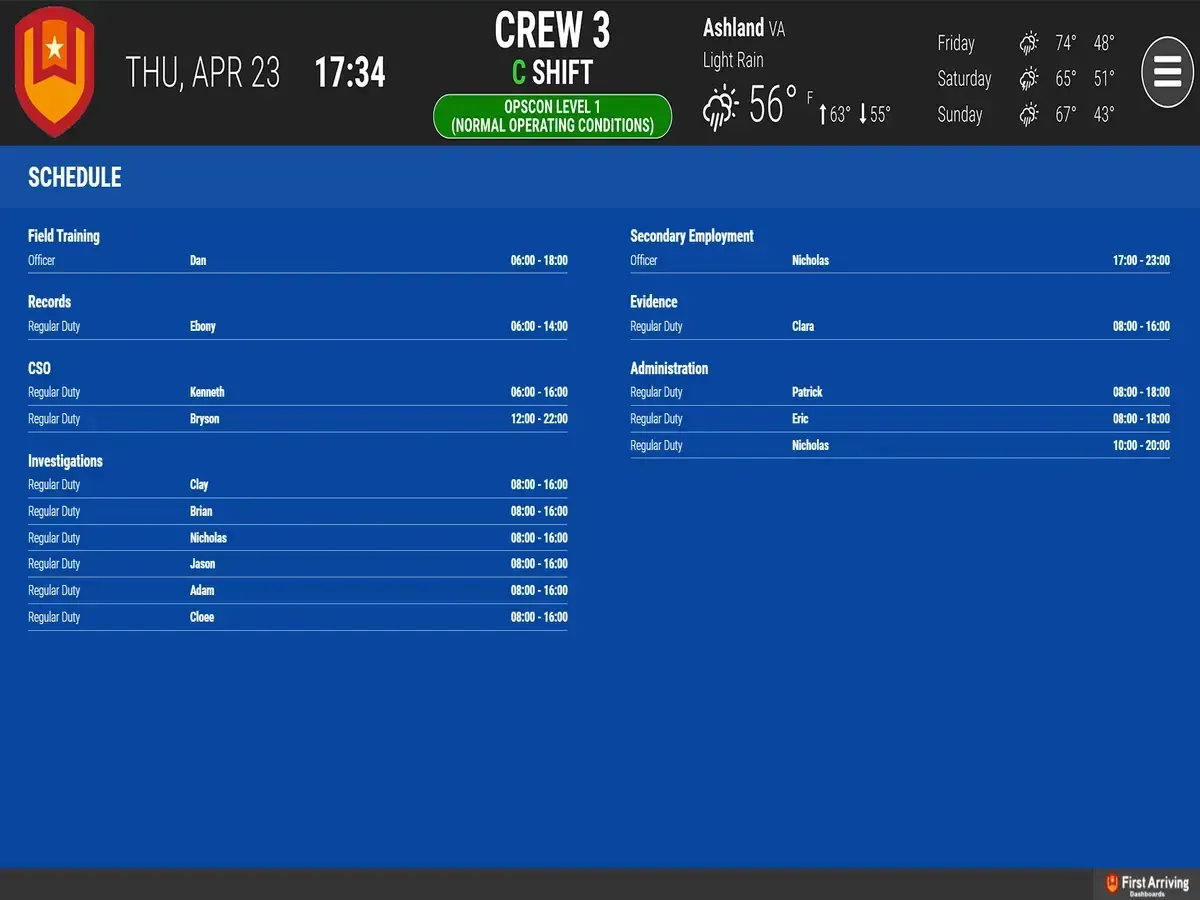
First Arriving puts your PowerTime by PowerDMS (formerly PlanIt Schedule) data on screens in your stations, workplaces and offices, on desktops and on the go, so personnel always know who's on and when: names, work type, and shift start and end times, updated automatically as the schedule changes.
PowerTime is designed to handle the unique scheduling challenges facing public safety every day. Use multiple tools to edit your 24×7 ambulance schedules, swap shifts between firefighters, allow self-scheduling for narcotics officers, and view real-time schedules on any device. Publish out your long-term rotating schedules and make day-to-day changes easily on the Calendar Editor.
What Connects
Your PowerTime by PowerDMS data on the wall, desktop, and in every pocket.
Live schedule
Real-time display of scheduled shifts, updated automatically as your PowerTime schedule changes.
Work type
Duty type, role, or assignment.
Personnel name
Shift start and end time
Live in three steps.
Contact your PowerDMS representative
Request the JSON link to your schedule
Then share it with the First Arriving team.
Additional Note
Data or API access could carry an additional charge. This is determined by the vendor, not by First Arriving.
Frequently asked questions
What shows on the dashboards?
Scheduled shifts: personnel name, work type (duty type, role or assignment), and shift start and end time. Your personnel always know who's on and when.
Does it stay current when the schedule changes?
Yes. It's a real-time display of scheduled shifts, updated automatically as your PowerTime schedule changes.
What setup is needed?
Contact your PowerDMS representative, request the JSON link to your PowerTime schedule, and share it with the First Arriving team. Data or API access could carry an additional charge, set by the vendor, not by First Arriving.
Support Center
Full setup details for PowerTime by PowerDMS