
 ACTIVE INTEGRATION
WhenToWork + First Arriving
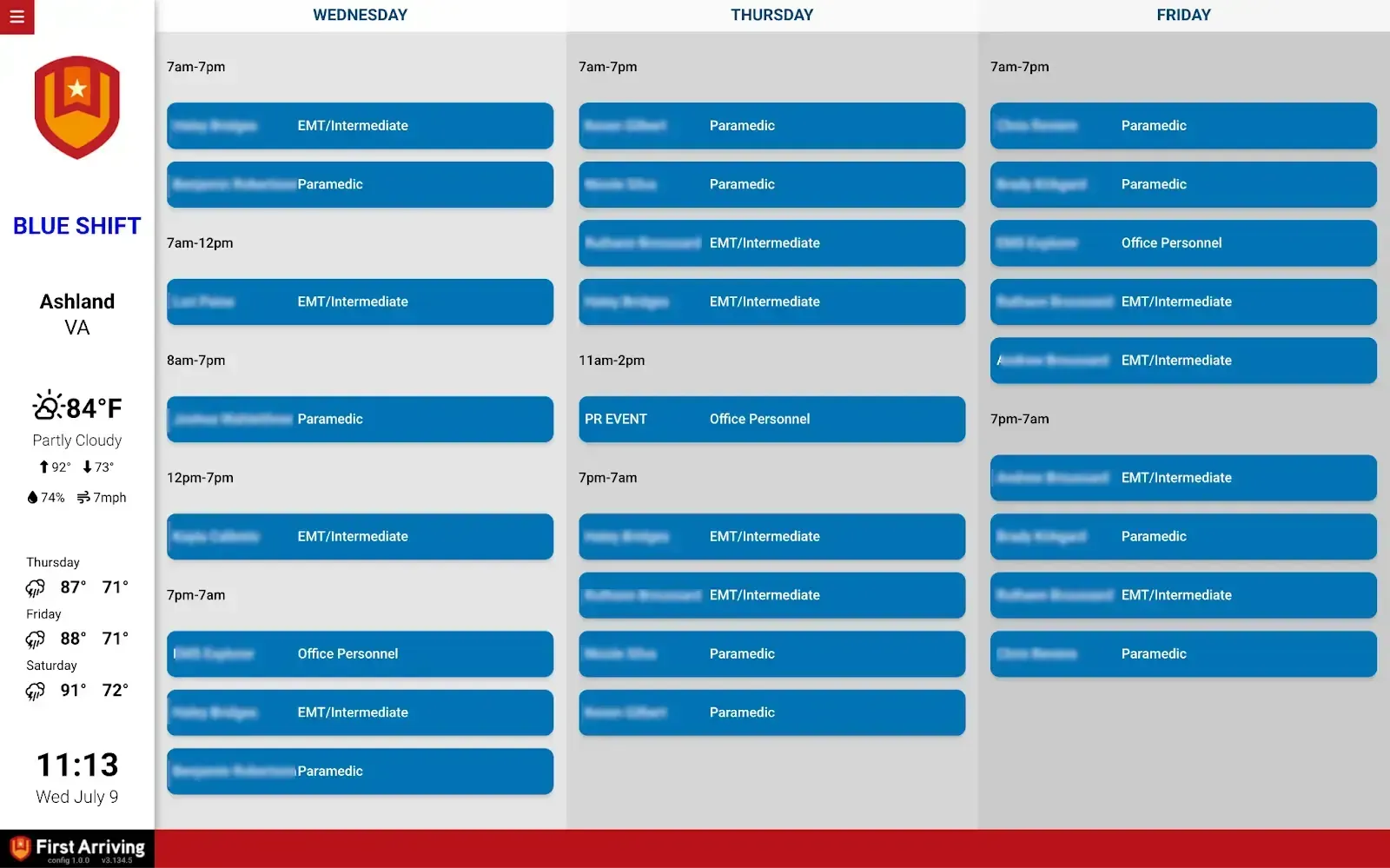
First Arriving's integration with WhenToWork combines their flexible scheduling software with a direct Google Calendar integration, so personnel can see their schedule right on the dashboard.
What Connects
Your WhenToWork data on the wall, desktop, and in every pocket.
Schedule display
Today's schedule and up to a month ahead, so you can see at a glance who's scheduled and when, kept live via WhenToWork's Google Calendar export.
Sample Views
See it on the dashboard.
Live in three steps.
Set up the automated export in WhenToWork
Configure WhenToWork to export your schedule to a Google Calendar automatically. You'll need a WhenToWork account to do this.
Make that calendar public
In Google Calendar's sharing settings, set the calendar to public. A private calendar won't display.
Send us the Calendar ID
The Google Calendar ID and which screens it belongs on. Data or export access could carry an additional charge, determined by WhenToWork and not by First Arriving.
Support Center
Full setup details for WhenToWork