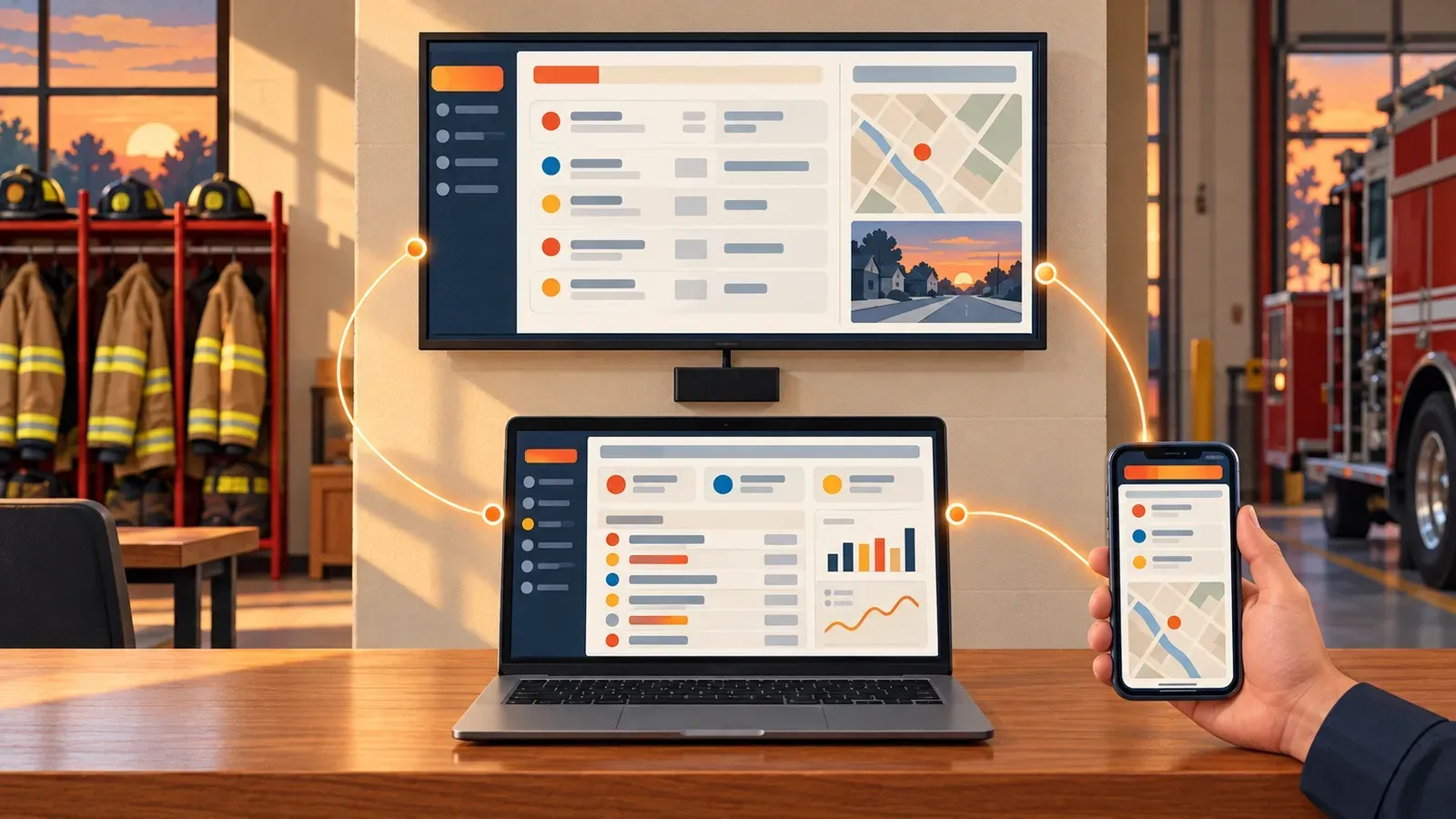
Why Digital Signage Needs Dedicated Hardware
Dedicated digital signage hardware keeps a station dashboard on screen without anyone's help. Unlike a PC or a cast session, which may need someone to log back in, reopen a browser or reconnect after a restart, a signage player runs in kiosk mode, opens the platform automatically and comes back on its own after a power outage.

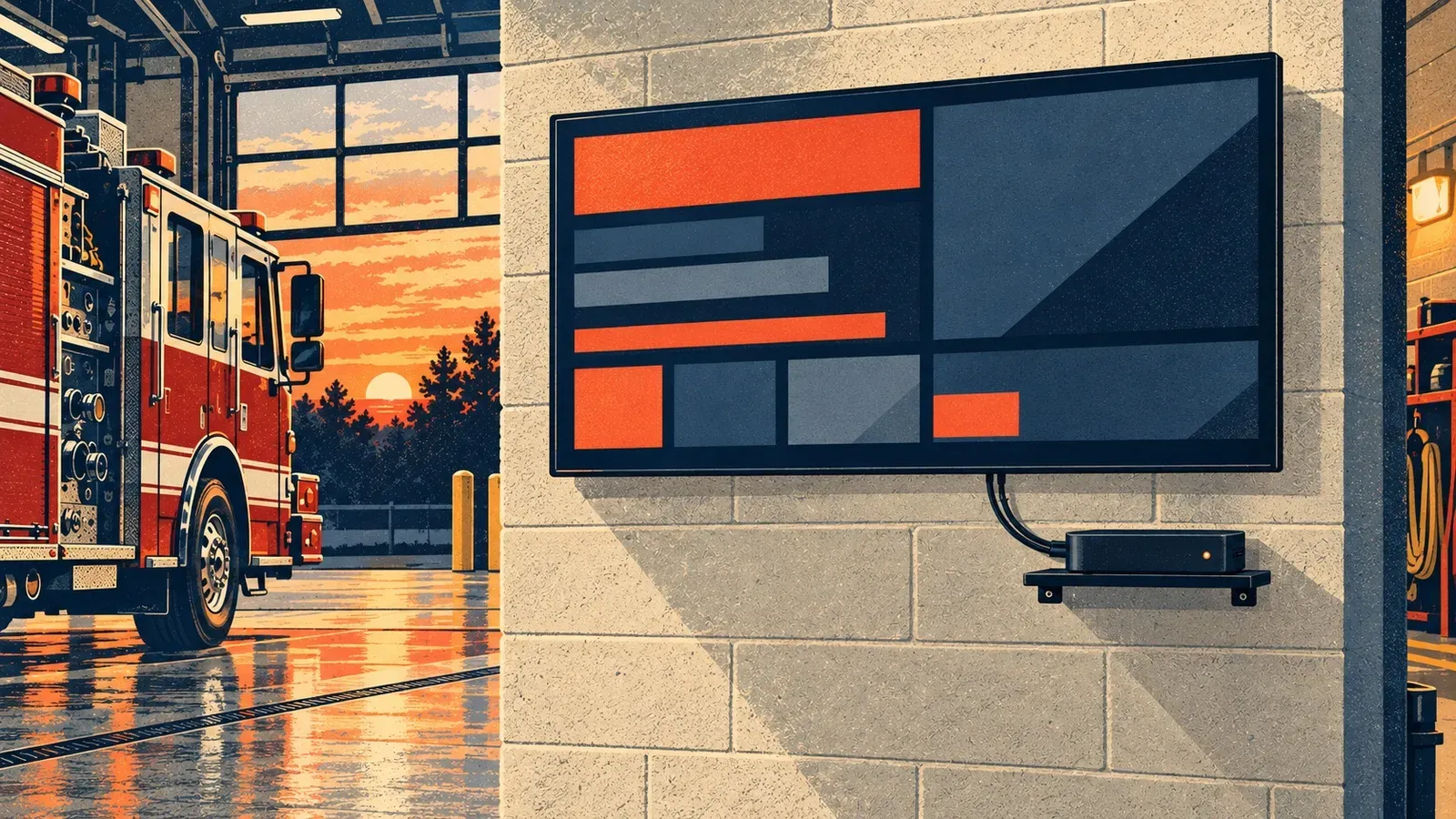
A PC or a cast session behind the station TV needs babysitting. Dedicated signage hardware keeps the dashboard on screen, even after a power outage.
Digital signage has one job: keep the right information on the big screen, always on and visible throughout the day. Making that reliable takes more than connecting an internet-connected PC to a TV.
The problem with a PC behind the TV
An ordinary PC can open the First Arriving platform in a browser, but it still needs attention. If it restarts or the browser session closes, someone may have to log back in, reopen the browser and navigate to the platform again.
Casting adds another connection to maintain
Casting a PC's browser adds another connection to look after. If the cast session drops or needs to be restarted, someone has to reconnect it before the First Arriving platform appears on the TV again.
Dedicated hardware is built to stay on screen
Dedicated digital signage hardware is built to keep the platform on screen. The First Arriving signage player is locked in kiosk mode and set to open the platform automatically.
If the power goes out, the player restarts when power returns. Once the TV is turned back on, the First Arriving dashboard is there, ready to go, with no extra work for your crew.
What an always-on display keeps in view
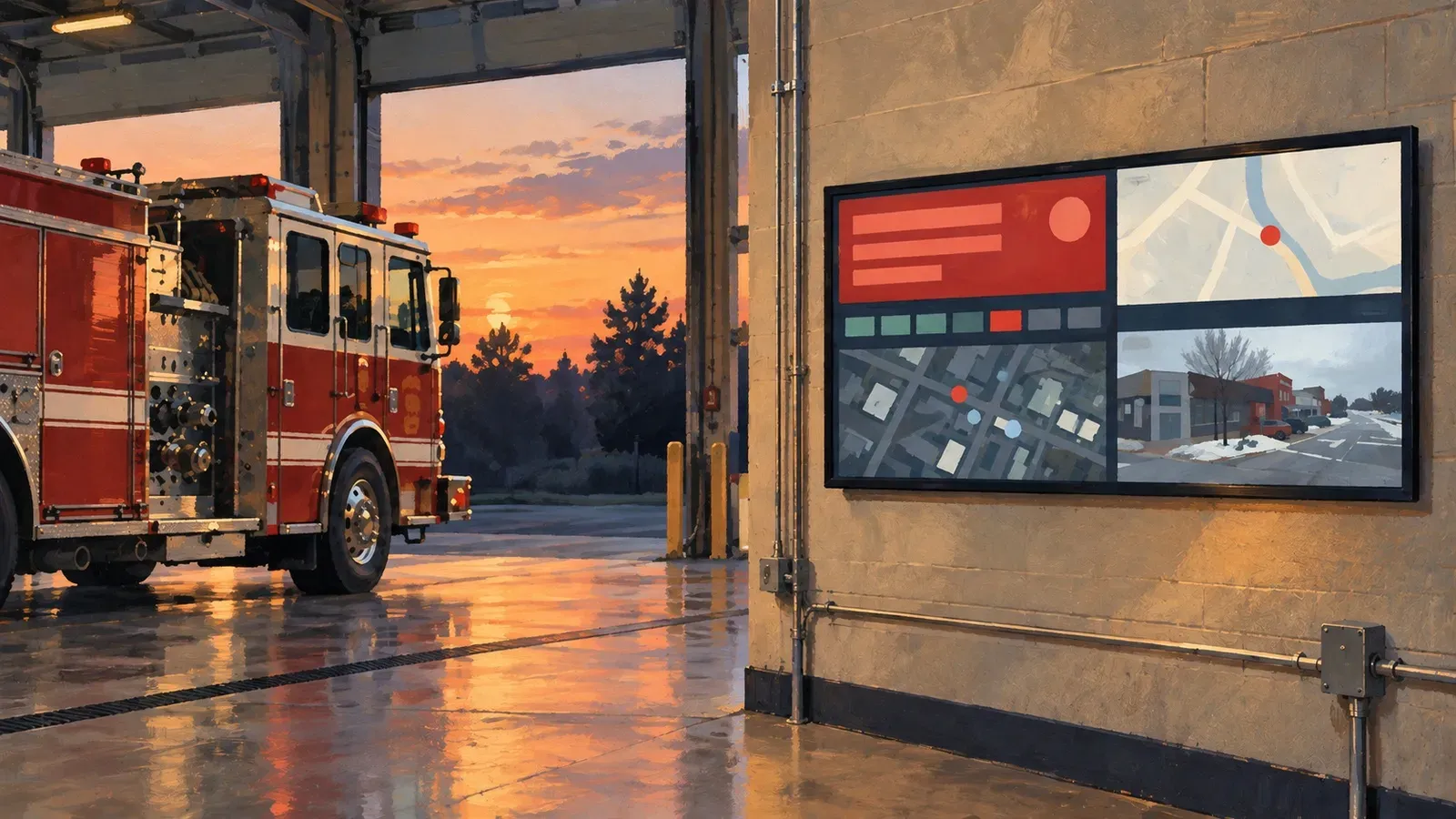
That always-on display can keep important First Arriving platform information in view, including call alerting, live data, events, traffic camera views, certification and training updates, and more. Dedicated signage hardware keeps it visible throughout the day without relying on someone to reopen a PC browser or reconnect a cast session.
Frequently asked questions
Why use dedicated digital signage hardware instead of a PC connected to the TV?
A regular PC may need someone to log back in, reopen the browser and return to the First Arriving platform after a restart or browser interruption. Dedicated signage hardware is set up to open and keep the platform on screen.
What happens if the station loses power?
When power returns, the signage player restarts. Once the TV is turned back on, the First Arriving dashboard is ready without your crew needing to reopen a browser or reconnect a cast session.
Can we cast the First Arriving platform from a PC to the TV?
Casting depends on an active connection between the PC and the TV. If that session drops, someone needs to reconnect it. Dedicated signage hardware keeps the display connected to the platform.
What can we show on the station's displays?
The First Arriving platform can bring together information such as call alerting, live data, events, traffic camera views, certification and training updates, and other station communications.
About the author
Dave Iannone
Founder & Chief Product Officer
Founder of Firehouse.com and Firefighter Nation, a veteran entrepreneur and lifelong first responder and leader.