Why Station Dashboards Work, and How We're Growing Them
Station dashboards work because they remove the chase. Instead of logging into CAD, RMS, scheduling and email separately, personnel see staffing, unit status, incidents, training reminders, announcements and weather on an always-visible screen, filtered by station or role, with the same information available on desktop and mobile when they leave the building.

It started as a way to welcome new members on a station TV. Nearly 1,500 agencies later, here is why dashboards work and where we are taking them next.
It started with a simple idea at my own fire department.
Like departments everywhere, we regularly welcomed new members. But not everyone was at the station at the same time, and an email introduction was easy to miss or forget. I wanted to put new members on a television screen in the firehouse, showing their faces, sharing a little about them and helping everyone recognize the newest people on our team.
That was it. No grand product roadmap. No plan to reinvent internal communications. Just a practical answer to a familiar firehouse problem.
But the idea stayed with me because it revealed something important: information works differently when it is placed directly in front of people as part of their everyday environment.
From an Idea to an Acquisition
I eventually found a company that was already doing something remarkably close to what I had imagined. Its Public Safety Information Network (PSIN) platform was putting useful information on screens inside fire and EMS stations.
In 2018, First Arriving acquired that platform. At the time, it served roughly 100 customers. We saw far more than digital signage. We saw the beginnings of an information system designed around how public safety agencies actually work.
Today, we are approaching 1,500 agencies across 48 states and four Canadian provinces. That growth is gratifying, but the more interesting story is how the product itself has grown.
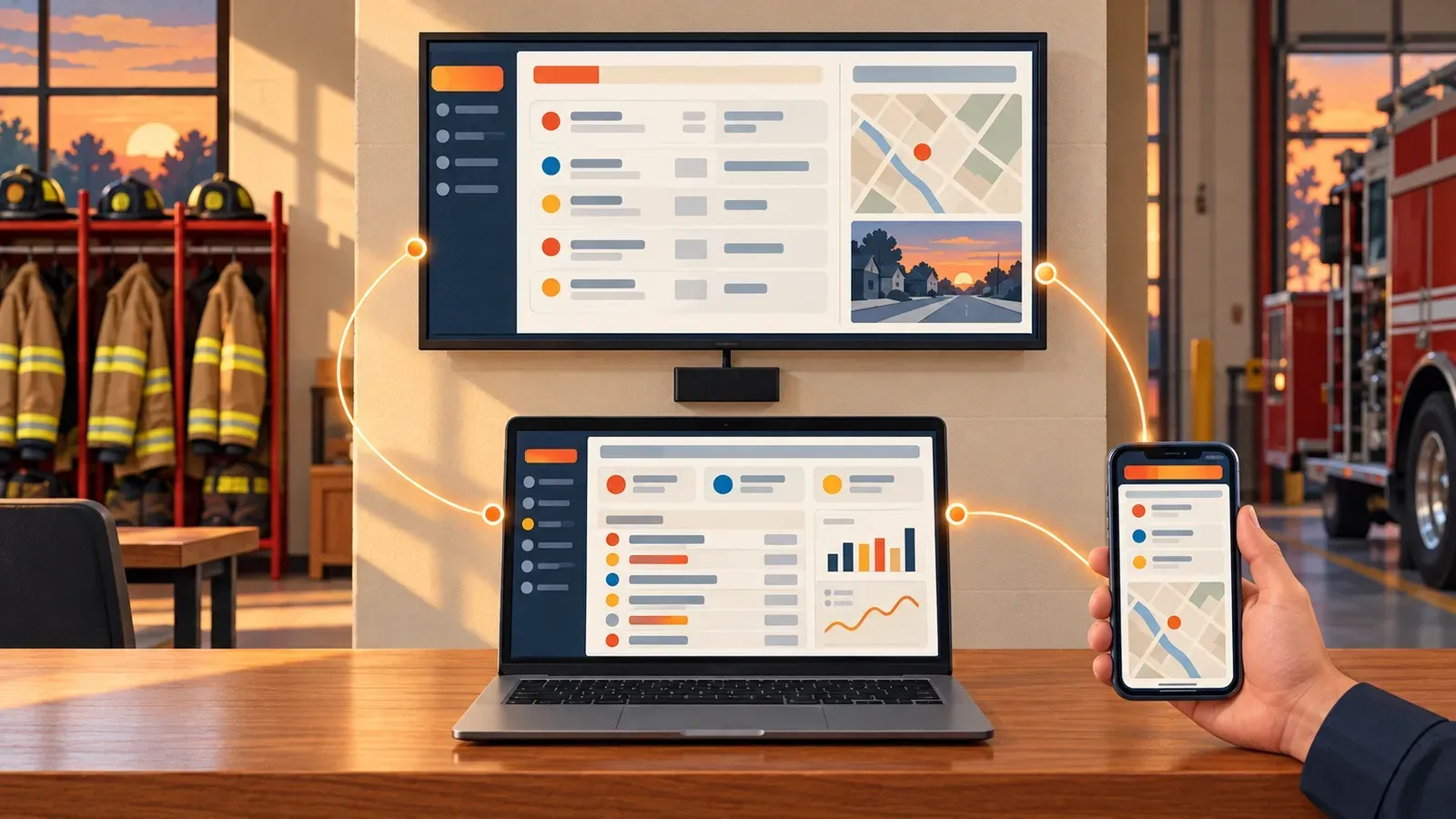
What began as information on a TV has become a 360-degree internal communications and operational information platform, available on the big screen at the station, in a browser on the desktop and on mobile devices when personnel are on the go.
It is no longer just a screen. It is a way to put the right information in front of the right people, wherever they happen to be.
Why Dashboards Work
Public safety agencies do not suffer from a lack of information. Most suffer from too much information in too many places.
CAD, RMS, staffing, scheduling, training, fleet, facilities, weather, traffic, GIS, email, shared documents and internal alerts may all hold something a person needs. The problem is that few people have the time, or the desire, to log into system after system, search inboxes and track down links just to understand what is happening.
Dashboards work because they remove that chase.
They Make Important Information Unavoidable
A message buried in an inbox depends on someone opening it. A document inside a portal depends on someone remembering where it lives. Information on an always-visible station screen becomes part of the environment.
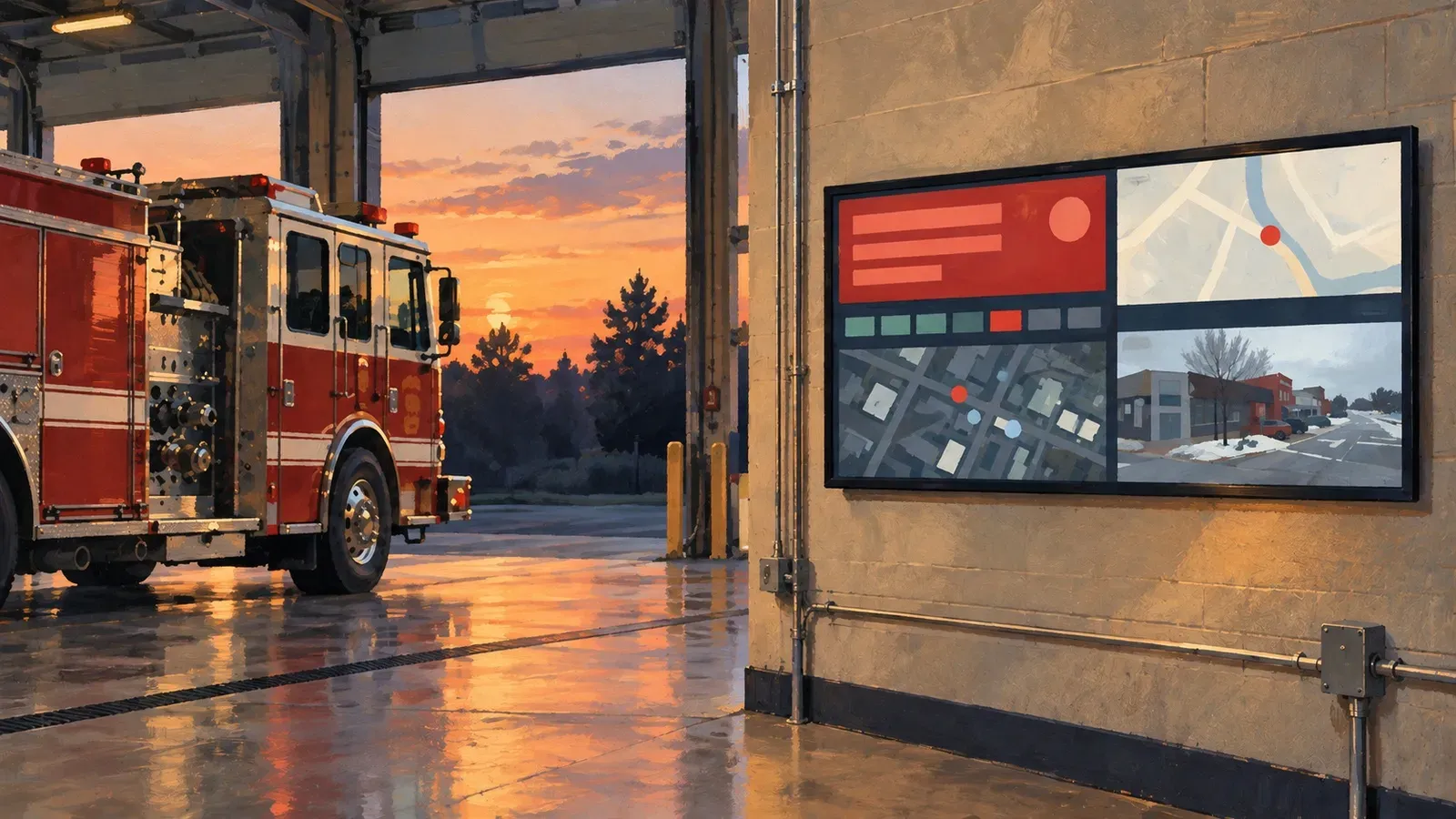
Personnel see the staffing picture, apparatus status, active incidents, training reminders, announcements and weather as they move through their day. The information is there without another login or another task.
That does not mean displaying everything. The real value comes from elevating what matters and reducing the noise around it.
They Create One Operational View
Most systems are good at the specific job they were built to do. The challenge begins when an agency needs to see information from several of them at once.
By connecting CAD, RMS, scheduling, staffing, fleet, training, GIS and other sources, a dashboard can create a unified view of the department. Instead of assembling the picture mentally from six applications, personnel and leaders start from a shared understanding of current conditions.
First Arriving now connects with more than 140 systems, so departments can bring live operational data and everyday internal communications together in views tailored to their needs. The current platform can surface incidents, rosters, unit status, equipment and maintenance information, certification deadlines, maps, weather, announcements, documents and other resources without trying to replace the source systems behind them.
They Reach Every Shift and Location
Internal communication in public safety is complicated by design. Personnel work different shifts, report to different stations and spend much of their time away from a desk. Volunteers may only be in the building at certain times. Leadership, field personnel and administrative staff may each need a different view of the same organization.
A dashboard helps maintain continuity across those boundaries. Information can be shared across station displays at the same time while being filtered by location, assignment or role. Everyone works from the same underlying information without every screen having to look identical.
That shared visibility is especially valuable during shift changes, multi-station operations, major incidents and interagency coordination.
They Connect Operations With Culture
The new-member idea that started this journey still matters.
Mission-critical information will always come first, but a department is more than its incident data. Birthdays, promotions, retirements, awards, training achievements, community events and new-member introductions all help build connection.
The same platform that shows apparatus status or a severe-weather alert can recognize a member's accomplishment and remind everyone about an upcoming family event. That mix of operational awareness and human connection makes the dashboard part of the organization rather than one more disconnected piece of technology.
They Save Time and Help People Act
Every manually updated whiteboard, repeated email and separately assembled shift report takes time. Connecting information directly to its source reduces duplication and helps keep it current.
Dashboards can also do more than passively display information. Alerts can push urgent items to the top. Required acknowledgments can help confirm that an important policy or message was seen. Document libraries and key links can put frequently needed resources one click away.
The goal is not more technology. The goal is less friction between a person and the information or action they need.
Beyond the TV on the Wall
The wall-mounted screen remains powerful because it provides persistent, shared visibility. But it cannot be the only destination.
Personnel move. Officers leave the squad room. Fire and EMS crews work across stations, apparatus, training grounds and incident scenes. Chiefs and supervisors need access from offices, meetings and home. Information has to follow the people who depend on it.
That is why we are building toward a full-circle experience:
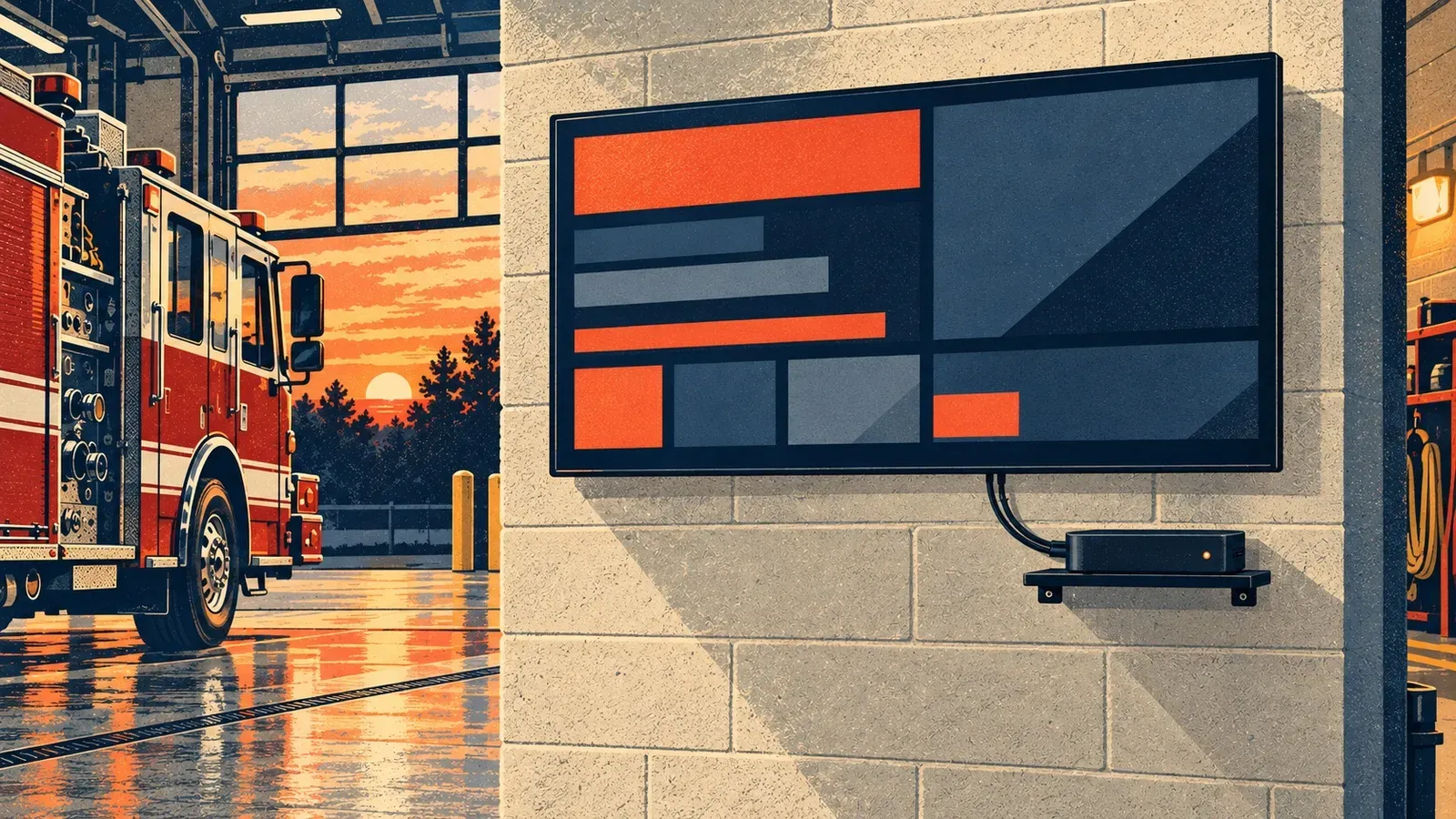
- Big screens provide an always-on shared view in stations, bays, squad rooms, communications centers and other facilities.
- Desktop and web dashboards give chiefs, supervisors, administrators and analysts deeper access wherever they work.
- Mobile access keeps personnel connected to core information, announcements, equipment updates, weather, documents and resources while they are away from the building.
The objective is consistency without sameness. A firefighter looking at a station screen, a chief opening a browser and a member checking a phone may need different levels of detail, but all of them should be drawing from the same trusted sources.
Where We Are Going
We are continuing to expand the platform beyond traditional digital signage and toward a complete, department-specific information hub.
That means deeper integrations, better automation, smarter prioritization and more personalized views. It means helping an agency turn disconnected data into useful context, not just putting more numbers on a screen. It also means making documents, links, communications and actions easier to find and complete.
The most important test is still the one behind that first idea at my firehouse: Will this help people know what they need to know?
If the platform helps a new member feel recognized, a crew arrive better prepared, a supervisor spot a problem sooner or an entire department stay aligned across shifts and stations, it is doing meaningful work.
Clarity Where It Matters Most
Public safety personnel should not have to hunt through a maze of systems to find information that affects readiness, safety and performance. They should not miss an important update just because it arrived in the wrong inbox at the wrong time.
Dashboards work because they make information visible, timely and useful. They bring operations and communication together. And when they extend from the station wall to the desktop and mobile device, they become something much larger: a common information environment for the entire agency.
What started as an idea for introducing new members on a firehouse television has grown far beyond anything I imagined at the time. Nearly 1,500 agencies later, we are still building toward the same outcome: putting mission-critical information in front of the people who need it most.
Frequently asked questions
What does a station dashboard display?
A station dashboard can show incidents, rosters, unit status, equipment and maintenance information, certification deadlines, maps, weather, announcements and documents. It pulls that information from the agency's existing systems rather than replacing them.
Do station dashboards replace CAD, RMS or scheduling systems?
No. A dashboard connects to those source systems and brings their information into one view. The source systems keep doing the jobs they were built for.
Can personnel see dashboard information when they are away from the station?
Yes. The same information is available on a desktop browser and on mobile devices, so chiefs, supervisors and members can stay current when they are not in front of the station screen.
About the author
Dave Iannone
Founder & Chief Product Officer
Founder of Firehouse.com and Firefighter Nation, a veteran entrepreneur and lifelong first responder and leader.